What is Stripe Connect for event hosts?
Stripe Connect links a host’s paid-ticket setup to a connected payout account. Learn what it handles, what onboarding means, and what it does not guarantee.
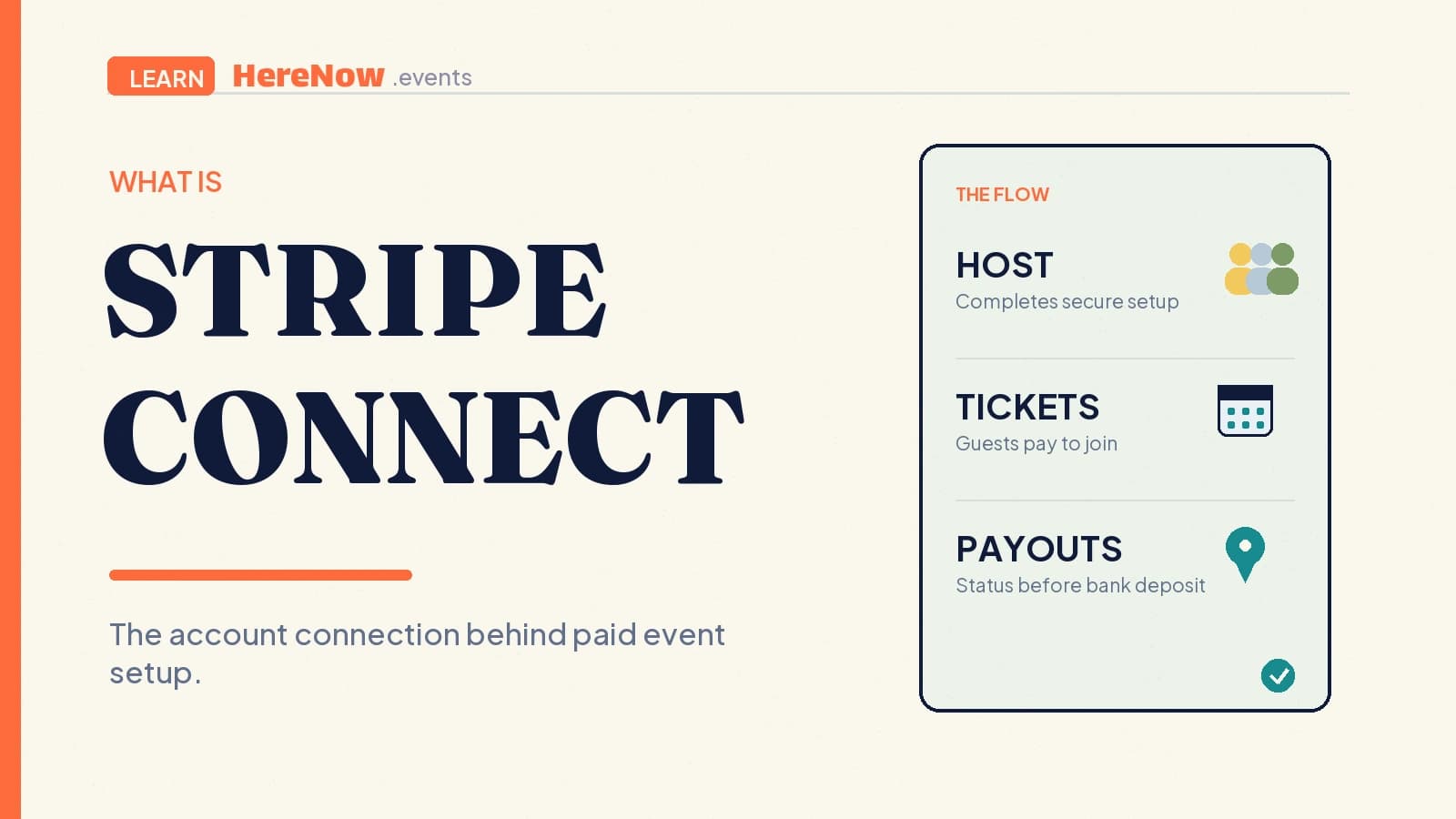
Stripe Connect is Stripe’s system for platforms that help many independent people accept payments and receive payouts. For hosts, it creates a connected Stripe account that links paid-ticket sales to verified payout details. It is the payment setup behind a paid event, not the event page itself: guests still need a clear offer, an easy registration path, and trustworthy information about what their ticket includes.
Stripe Connect, in plain English
When an event platform lets many hosts sell tickets, it needs a safe way to distinguish each host’s money from the platform’s own business. Stripe Connect provides that structure. The platform has its Stripe account; each eligible host has a connected account; and Stripe uses the connection to support payments, account verification, and payouts. Stripe describes Connect as a way for platforms to manage and route payments and payouts between customers, sellers, and service providers. Stripe’s overview of how Connect works shows those pieces together.
For a host, “connect Stripe” usually means completing a setup flow so the payment provider can determine whether the account is ready to accept charges and receive payouts. It does not mean handing bank details to an event editor, buying a ticket, or publishing an event.
Why a host needs a connected account
A free RSVP can stop after the guest submits their details. A paid ticket adds a money movement: the guest pays, the sale is recorded, and funds must be associated with the right host account before payout. The connected account keeps that relationship separate from the platform’s own business.
It helps to separate three roles:
- The guest decides whether to buy a clearly described ticket and completes payment.
- The host provides the event and completes the payout setup that supports their paid-ticket sales.
- The platform supplies the event and checkout experience, then uses Connect’s configured payment flow to route funds and manage its own fee rules.
This separation is useful even for a small event. It lets a language tutor focus on welcoming ten learners rather than collecting card details by message, while guests can follow one low-friction event registration path. It also makes the next paid class easier to prepare, because the host can reuse the same payout setup rather than inventing a new collection process.
What happens between checkout and a payout
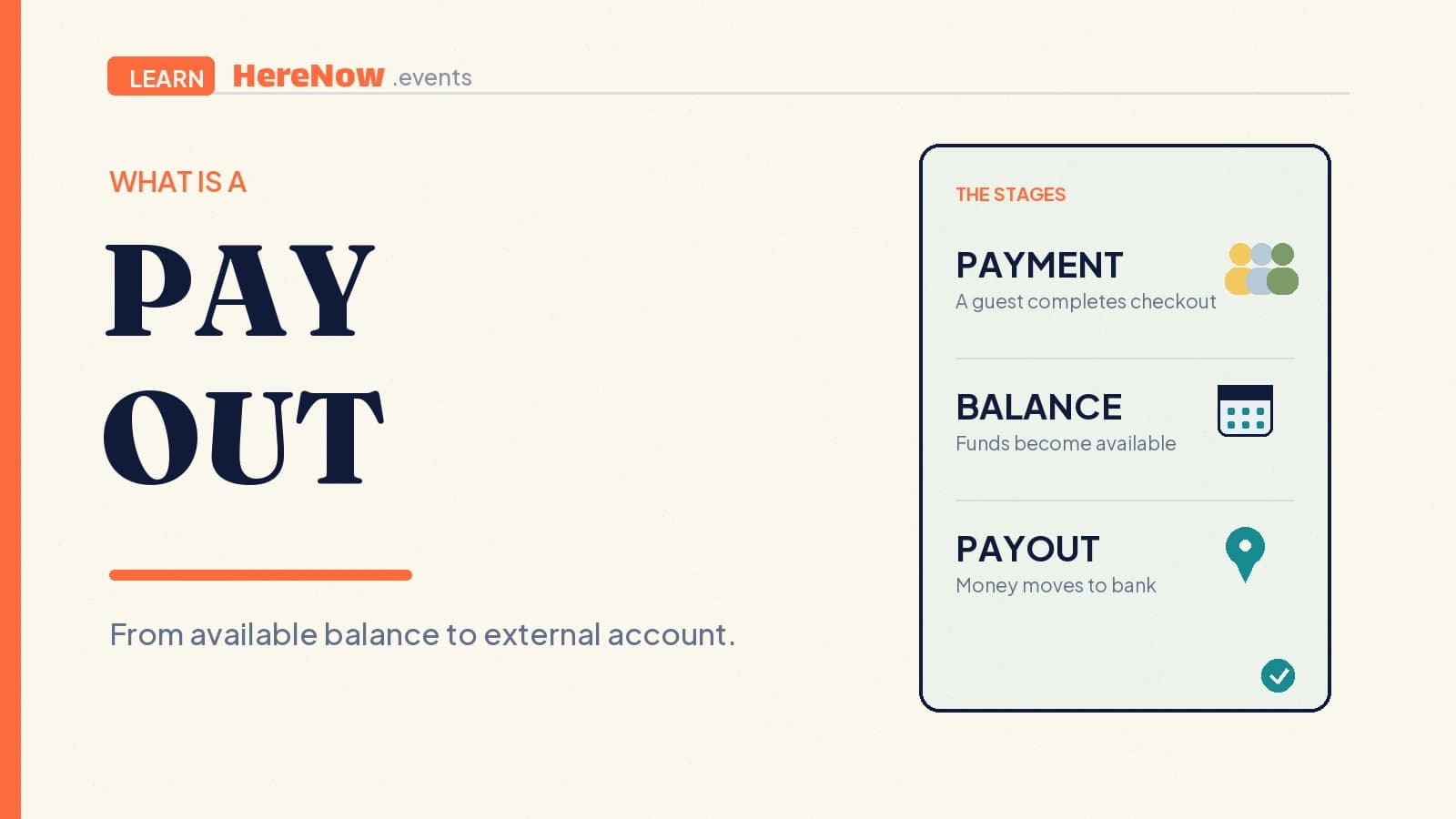
The exact money flow depends on the Connect configuration, location, payment method, fees, refunds, and account status. One common pattern, a destination charge, creates a platform charge and directs funds to a connected account while retaining a configured platform fee. It is not a promise of an immediate bank deposit.
Stripe’s destination-charge documentation explains that a platform can collect an application fee and route the remaining funds to a connected account’s pending balance. It also notes that refunds, disputes, payment failures, and account capability changes can affect the flow. Stripe’s destination-charge guide is a useful technical reference for why hosts should avoid treating ticket revenue and a completed bank deposit as the same moment.
Capacity still matters here. Set the number of seats before opening sales, and make the ticket description match the available experience. A connected account makes payment possible; it cannot fix an event that has sold more places than its host can serve. Read event capacity alongside your ticket setup.
What the secure setup flow asks for
Stripe hosts onboarding because it can need business, identity, tax, and bank-account details. Fields differ by country, business type, and requested capabilities. Its web form collects and validates this information instead of leaving it in ordinary event settings. Stripe’s hosted-onboarding documentation explains why the questions can differ from one host to another.
Finishing the form and returning to the event platform are not always the same as being fully ready. Stripe notes that a return from onboarding only shows that the host entered and exited the flow; the account can still have outstanding requirements. A sensible host habit is to check the account status before announcing paid tickets, and to revisit Stripe promptly if it asks for updated information or verification.
A practical example: a paid supper club
Elena plans a twelve-person seasonal supper club. Her editable event page explains the menu, date, dietary deadline, and $68 ticket price. Before opening sales, she completes Stripe Connect onboarding through the secure payout area. A guest gets a clear confirmation, while Elena’s setup can associate the sale with her host account instead of a personal payment request in a group chat.
Elena still needs to run the event well. She should set a realistic capacity, state the refund terms, and review every ticket detail. Stripe Connect does not decide whether the menu is suitable, whether a guest can transfer a ticket, or whether a cancellation deserves a refund. It gives the payment relationship a structured place to live while the host owns the event promise.
Read status messages as next steps, not guarantees
Useful status messages are practical: account created, more information needed, charges enabled, payouts enabled, or action required. They describe the readiness of the payment account, not the quality of the event. If the account needs attention, complete the request inside the secure Stripe flow and check the status again. Do not send identity documents, bank details, tax identifiers, or Stripe credentials in a support message.
A payout also has its own lifecycle. Stripe lists states such as pending, in transit, paid, failed, and canceled; payout schedules and bank arrival timing vary by configuration and location. Stripe’s connected-account payout guidance is the right place to understand those states. For hosts, the practical rule is simple: do not promise guests or collaborators a payout date based only on a successful ticket checkout.
On HereNow, free events do not need Stripe payout setup. For paid tickets, a host needs Pro and both Charges and Payouts enabled. HereNow sends the host from Payouts to Stripe’s hosted setup flow and retains the account status needed for paid-ticket readiness. When the event details and payout setup are both ready, connect Stripe in Payouts before opening paid sales.
Frequently asked questions
Is Stripe Connect the same as a regular Stripe account?
They are related but serve different roles. Stripe Connect is the framework a platform uses to work with connected accounts belonging to its hosts or sellers. A host’s connected account is the account relationship used for that platform’s payment and payout flow. The exact dashboard access, capabilities, and requirements can vary by configuration and country.
Do I need Stripe Connect for a free event?
No. A free event can use registration without payment collection or payout setup. Stripe Connect becomes relevant when you want to sell paid tickets and need a connected payout account. Keeping those paths separate lets a host test an event idea with a free RSVP before deciding whether a paid format is appropriate.
Does completing Stripe Connect onboarding mean money is already in my bank?
No. Onboarding prepares and verifies the connected account; it does not itself create ticket revenue or complete a bank payout. A ticket payment, an available balance, and a payout to an external account are separate steps. Check the host’s payout status and schedule rather than assuming every successful checkout has already settled.