What is a ticketed event?
A ticketed event requires a ticket for entry, whether that ticket is free, paid, or invitation-only. Learn what ticketing controls and when it helps a host run a clearer event.
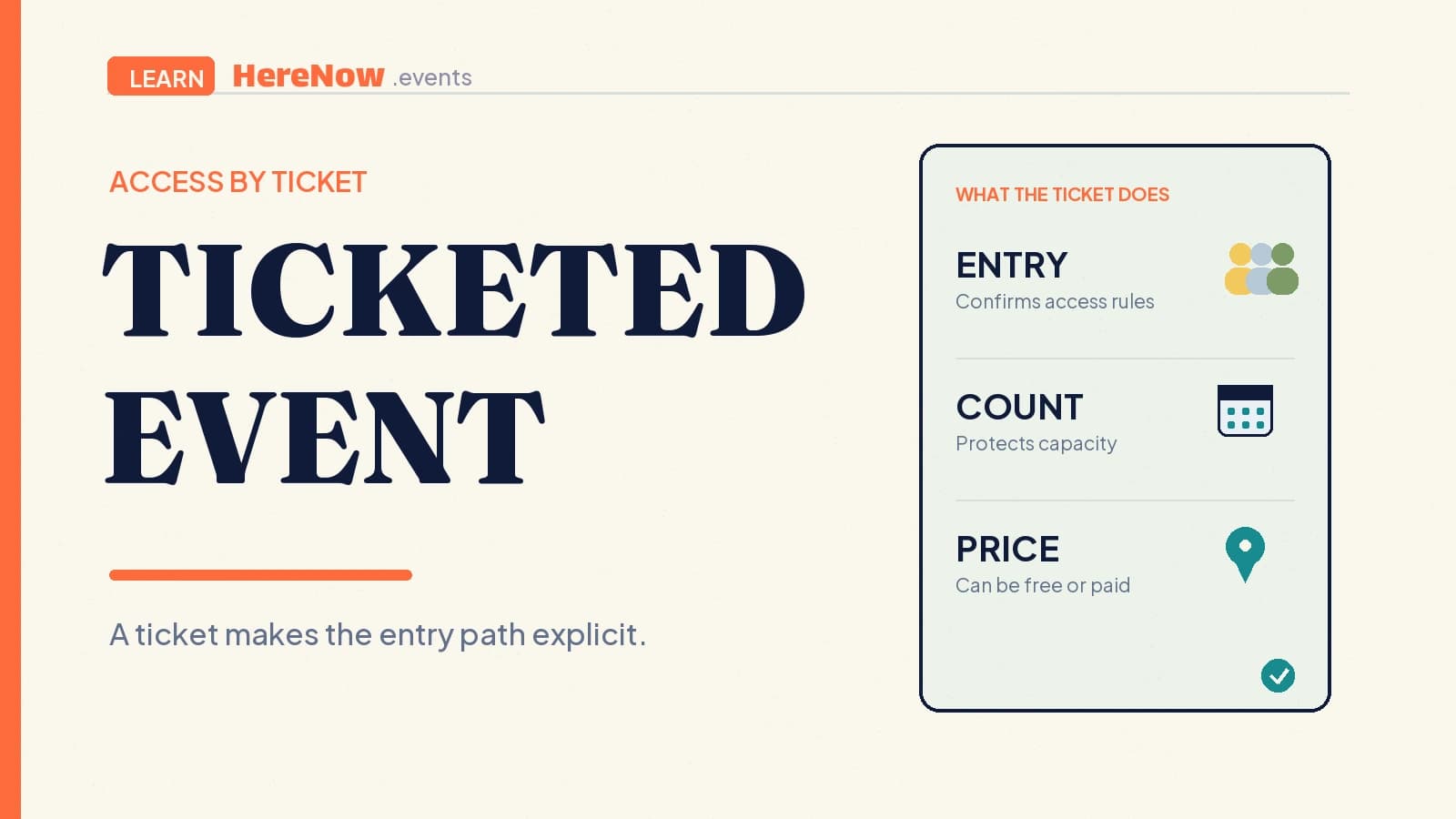
A ticketed event is an event where guests need a ticket to enter or take part. The ticket may be free, paid, invitation-only, or connected to a registration step. Its essential job is not to collect money; it is to make access explicit. A good ticket tells a guest what they can attend, whether a place is available, and what they need to show or complete before arrival.
The short answer
“Ticketed” describes the entry path, not the price. A ticketed event can be:
- Free: Guests reserve a ticket at no cost because a room, tour, or activity has limited places.
- Paid: Guests buy a ticket because payment is required to secure entry or an included experience.
- Invitation-only: Tickets are issued or requested only by people the host has invited.
- Tiered: Different tickets give access to different sessions, seats, times, or inclusions.
Ticketing helps a host say more than “come along.” It can set a headcount, give each guest a clear confirmation, and make entry more predictable for a class, community gathering, performance, or small supper.
Ticketed describes entry, not price
The clearest definition is simple: a ticketed event requires a ticket for entry. Cal Poly’s event policy uses that exact distinction, defining a ticketed event as one where the university or host uses tickets as a requirement for entry. See the policy’s event definitions for the wording in context.
That means a free ticket is still a ticket. It can reserve a named place, help a door team verify access, or stop a limited activity from being overbooked. An RSVP can serve a similar planning purpose, but a ticketed setup usually makes the confirmation and entry rule more explicit: the guest needs a ticket, not only an intention to attend.
What a ticket can do for an event
For an independent host, ticketing is useful when it solves a real operational question. It can help you:
- Protect a real limit: Issue only the number of tickets a room, table, route, or set of materials can support.
- Confirm the right access: Give guests a record of the session, time, or admission category they chose.
- Plan arrival: Know who has a place before check-in begins and what information they still need.
- Connect payment when needed: Use a paid ticket only when payment is part of securing the guest’s place.
Tickets do not replace the rest of the event information. Your event page still needs the date, location, host details, what guests should expect, and a clear next action. A ticket is one part of the guest journey, not the entire invitation.
Free tickets, paid tickets, and access rules
Free ticketing is useful when access needs control but attendance does not require payment. Iowa State University’s Family Weekend notes distinguish ticketed events that are free but require reserved tickets from ticketed meals available for purchase. Its event notes are a useful reminder that tickets can manage capacity and guest-by-guest access even at a $0 price.
Paid ticketing adds a transaction. Yale’s ticketed-event guidance treats purchase and registration as connected steps, and lists choices such as ticket cost, quantity, purchase limits, sales dates, and who may access a ticket. These are not mandatory for every small event, but they are the practical decisions that make a paid setup understandable.
Invitation-only tickets add another boundary. A host might use them for a small alumni dinner, a class with a prerequisite, or a community meeting where each attendee has been personally invited. State that boundary plainly. “Ticket required” tells a guest what to hold; “invitation required” tells them who may request one.
Before you require a ticket
Start with the real reason. If anyone can walk in and there is no meaningful capacity, safety, or planning reason to register people, ticketing may add friction without helping. If there are twelve stools, twenty clay kits, a controlled entrance, or a specific session choice, a ticket can make the arrangement fairer and easier to explain.
The three lines guests need
Write the ticket rule in three short lines near the action button. First, say what the ticket includes: “One place in the 6 p.m. beginner ceramics class.” Second, say the price and payment state: “Free reservation” or “$24, payment required to confirm.” Third, say the limit or access boundary: “12 places; ticket required at check-in.” Those lines prevent a guest from mistaking a waitlist for entry, a payment page for an invitation, or a free reservation for an unlimited open door. Link the rule to your real event capacity, not a number chosen only to create urgency.
Example: a fifteen-seat listening club
Leila is hosting a fifteen-seat listening club in a café back room. She wants everyone to hear a short album, discuss it, and meet the host. The café has exactly fifteen chairs, so she creates a free ticket rather than an open invitation. Each ticket confirms one seat, and the event page tells guests that they should cancel if plans change.
A month later, Leila runs a longer listening-and-dinner evening. The ticket is now paid because it includes a fixed menu and she must give the café a final count in advance. She sets the price, ticket quantity, and sales cutoff, then explains what the price includes. The format remains welcoming; only the guest’s confirmation path has changed.
Be especially clear when tickets cost money
For a paid ticket, show guests the actual amount they will pay, what the ticket includes, and any material terms before checkout. In the United States, the FTC’s fee rule applies to covered live-event ticket sellers that display ticket prices, requiring the total price to be disclosed upfront when mandatory fees can be calculated. Read the FTC’s ticket-fee guidance and check rules where you sell; this is a practical principle, not legal advice.
In HereNow, hosts can begin with free registration and add free or paid tickets as the event needs become clear. Paid tickets require Pro and payout setup. When you are ready to define the path, create your event in HereNow and make the ticket rule easy to see before a guest commits.
Frequently asked questions
Does ticketed always mean guests must pay?
No. A ticket can be free. Hosts often use free tickets to reserve a seat, manage a venue limit, or give each guest a check-in confirmation. Payment is a separate choice: it becomes necessary only when the host requires guests to purchase entry or a defined included experience.
Can a ticketed event also use an RSVP?
Yes, but keep the labels clear. An RSVP can capture an early attendance response, while a ticket confirms the access path. If a ticket is ultimately required, tell guests whether their RSVP holds a place temporarily, directs them to ticket selection, or has no effect until they complete the ticket step.
When should I use tickets instead of open attendance?
Use tickets when they protect a real constraint or make entry clearer: limited seats, materials, safety planning, a specific session, an invited group, or paid admission. For an open, uncapped community gathering, a simple event page and optional RSVP may be enough. Avoid adding tickets merely because the term sounds formal.