Free RSVP vs paid tickets
Free RSVP and paid tickets can both manage attendance, but guests take different actions. Learn when each setup fits and how to make the path clear before people commit.
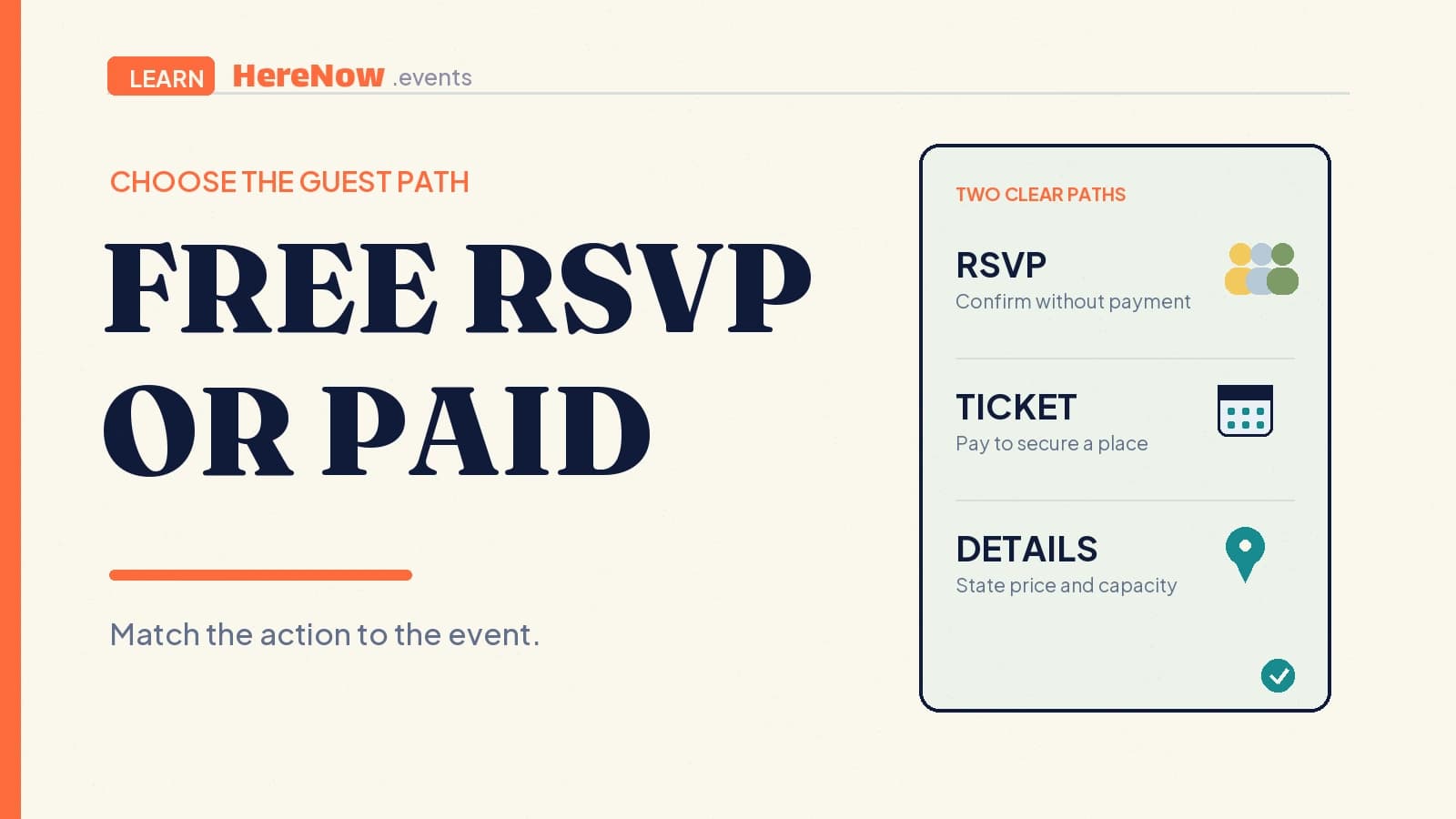
A free RSVP asks a guest to say whether they plan to attend without paying at sign-up. A paid ticket asks the guest to choose and purchase a place before attending. Both can help a host count people, limit capacity, and send event details. The practical difference is the commitment the guest completes: an RSVP records an attendance decision; a paid ticket records an attendance decision plus a payment transaction.
The short answer
Choose the path that matches what you need the guest to do before the event—not the path that makes the event sound more important.
- Free RSVP: Best when joining costs the guest nothing and the host mainly needs an expected headcount.
- Paid ticket: Best when the guest must pay to secure entry, a seat, materials, food, or another defined event offering.
- Free ticket: A useful middle ground when a host needs a named reservation or check-in pass but does not need payment.
- Registration: Either path may also ask for the details needed to welcome the guest and manage their place.
What each path asks of a guest
With a free RSVP, the guest is answering “Do you expect to come?” Google Calendar’s invitation guidance uses yes, no, or maybe. A host may collect a name, email address, guest count, or one relevant question, but payment is not due.
With a paid ticket, guests need the price, inclusions, currency, conditions, and the next step after payment. A ticket purchase can include registration details, but “register” must not leave anyone guessing whether it creates a reservation or starts checkout.
Neither route removes the need for a clear event registration path. If a guest must give information or take another step after their initial response, say that directly on the event page.
When a free RSVP fits
Use a free RSVP when the primary outcome is an informed attendance list—for a library language exchange, a casual community walk, a free online introduction, or a host-funded supper.
A free RSVP can still have a cutoff, capacity cap, or one relevant preference. Confirmation does not depend on a card charge. If guests need a name at the door, call it a free ticket or confirmed reservation and state clearly that the price is $0.
Do not use “free RSVP” to disguise a required payment elsewhere. If guests must pay at the door, buy materials separately, or make a mandatory donation, explain that in the event details before they commit.
When paid tickets fit
Use a paid ticket when payment is part of securing the place. Typical examples include a cooking workshop with ingredients, a small class with a facilitator, a limited-seat performance, or a supper club where the ticket covers a set meal. A paid ticket should state what the guest receives and what limits apply.
A ticketed-event setup usually needs more operational choices than a free RSVP. Yale’s paid-ticketed event guide describes ticket options with a cost, available quantity, per-person purchase limits, sales dates, and access rules. Your own event may be simpler, but these are useful questions to consider before you open sales.
Payment also has a separate confirmation step. For example, Stripe’s payment-link documentation describes a shareable link that sends a customer to a hosted payment page, with prices and quantities attached to the checkout. A guest should not be treated as fully paid until the payment flow confirms the transaction.
Choose with four host decisions
Before you publish, answer these four questions in order:
- What is being exchanged? If guests are only reserving a place, begin with a free RSVP. If they are buying defined entry or an included experience, use a paid ticket.
- What must be protected? Set a capacity when seats, materials, food, or group size are limited. A price is not a substitute for a real event capacity.
- What must guests see before deciding? Put the date, location, price, inclusions, and relevant terms close to the action button.
- What happens after the click? Tell guests whether they are confirmed immediately, directed to payment, placed on a waitlist, or asked to complete a form.
Make the displayed price understandable
For paid events, make the price easier to trust by showing the amount guests will actually pay wherever you can calculate it. In the United States, the FTC’s rule on unfair or deceptive fees requires covered live-event ticket sellers that display a price to disclose the total price upfront, including mandatory fees they can calculate; some government charges and optional add-ons can be treated differently. Read the FTC’s fee-disclosure guidance and check the rules that apply where you sell. This is a design principle, not legal advice: do not surprise a guest at checkout.
Example: a twelve-seat dumpling workshop
Amir is planning a twelve-seat dumpling workshop. He has two possible setups. With a free RSVP, guests can reserve a spot while Amir estimates how many ingredients to buy. That is sensible if the workshop is a free trial session and he is happy to cover the food himself.
With a $28 paid ticket, the price includes ingredients, a recipe card, and one seat at the table. Amir sets the ticket quantity to twelve, makes the sales end time clear, and writes a short refund policy before anyone pays. This is the better path when he needs the payment before buying ingredients. In both versions, the event page should explain the menu, start time, accessibility details, and what a confirmed guest should bring.
Set one clear path, then explain it
Mixed signals create avoidable questions: “RSVP now, pay later” can be fine only when the page explains exactly how and when payment works. If payment is required to attend, use ticket language and a price. If it is not, use RSVP or free-registration language and say that no payment is due.
HereNow starts with free registration by default and lets hosts add paid tickets when they are ready to sell seats. Paid tickets require Pro and payout setup. When your choice is clear, create your event in HereNow, then make the guest action, capacity, and next confirmation easy to understand.
Frequently asked questions
Can a free RSVP still have a capacity limit?
Yes. Free does not mean unlimited. A host can cap a free RSVP when room size, materials, food, safety, or the quality of a small-group experience sets a real limit. State the limit and explain what happens once it is reached, such as closing registration or offering a waitlist.
Is a free ticket the same as an RSVP?
They can serve a similar purpose, but the language signals a different guest experience. An RSVP emphasizes the attendance reply; a free ticket emphasizes a named reservation or entry pass. Use either term only if the confirmation process and event-page wording make clear that no payment is required.
Can an event offer both free and paid options?
Yes, when the difference is honest and easy to understand. For example, a free observer place and a paid hands-on workshop seat can coexist if each option states its access, price, capacity, and inclusions. Avoid making a free option look equivalent when it does not include the paid experience.