What is event registration?
Event registration is the sign-up process that records the information a host needs to manage a guest's place and communicate what happens next.
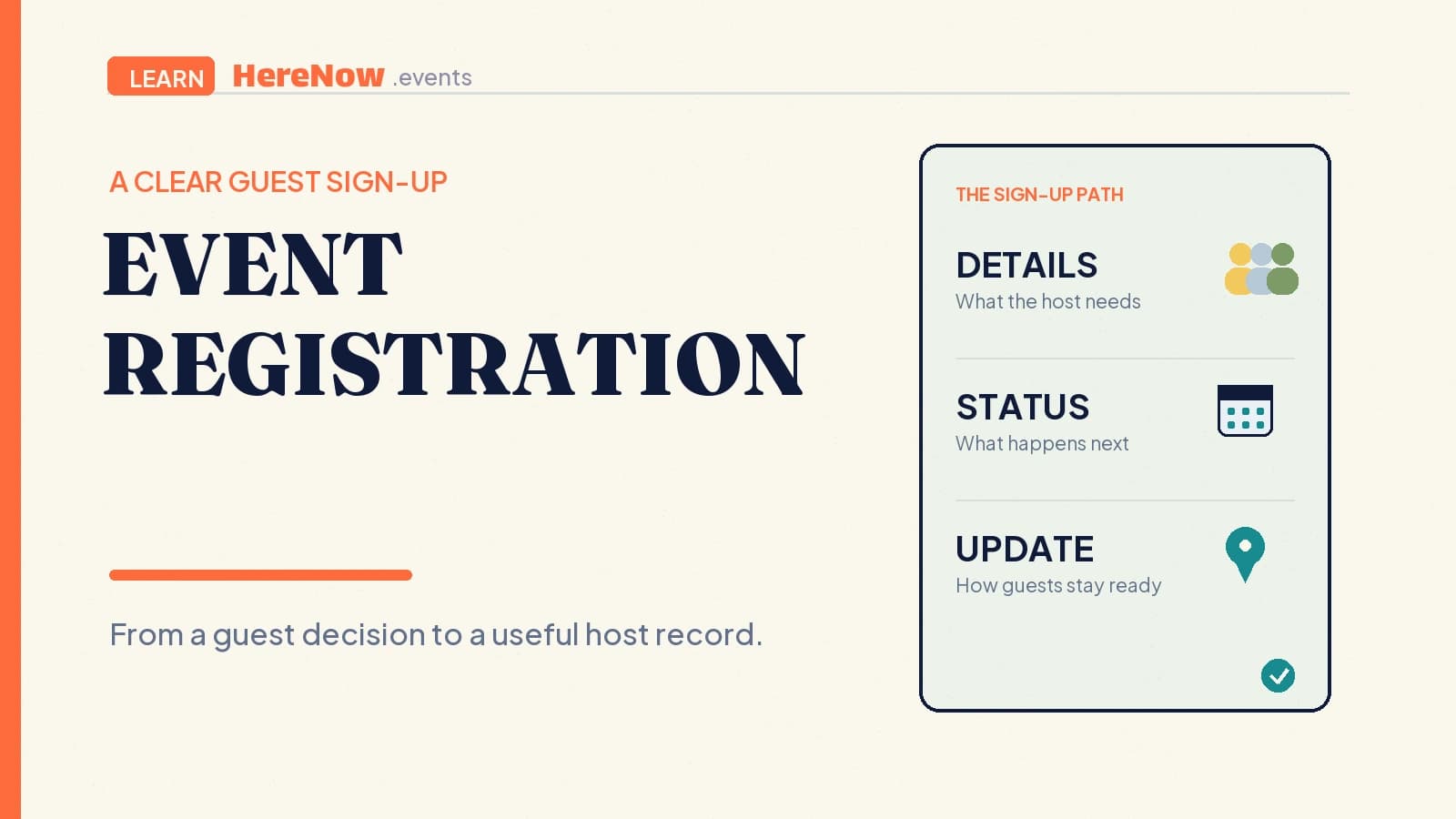
Event registration is the process in which a guest signs up for a specific event and gives the host the information needed to manage their participation. It may be as simple as a name and email for a free workshop, or it may include a session choice, a seat limit, payment, or an approval step. The important part is that registration turns interest into a recorded guest path with a clear next outcome.
The short answer
- Guests: submit the details needed to join.
- Hosts: receive a record they can use to plan the event.
- The page: explains what happens after submission.
- The outcome: might be a confirmed place, a request under review, or a waitlist position.
Registration is not automatically a sale. A free community walk can use registration to send route updates, while a paid class can use it to choose a session and complete payment. In both cases, the guest should know exactly what their submission means.
From event page to guest record
Registration begins after a guest has enough context to decide whether the event is for them. A clear event page gives the date, location, host, activity, and any practical limits. The registration step then asks for the smallest set of details required to turn that decision into an organized plan.
A university event portal describes this broader pattern well: registration pages can sit alongside dates, locations, available spots, waiting lists, questions, confirmations, and check-in. University of Zurich’s event portal overview shows why registration is more than a form alone. It is a connection between a guest’s submission and the host’s next actions.
A four-part registration path
First, the guest reads the invitation and decides to join. Second, they enter only the information the host needs. Third, they submit and receive a plain-language outcome: confirmed, pending, or waitlisted. Fourth, the host uses the record to communicate practical details and prepare the experience. Keeping those four stages visible makes the process easier to understand for guests and easier to repeat for the next event.
Ask only for information you will use
Every registration field should answer a hosting question. A name lets you identify the guest. An email lets you send a location change or preparation note. A session selection may determine where the guest belongs. An accessibility question can help a host remove a barrier. If an answer will not change the way the event is prepared, communicated, or delivered, it probably does not need to be required.
This is good hospitality as well as good form design. The W3C notes that people generally prefer simple, short forms and recommends asking only for information required to complete the process. Its accessible-forms tutorial also calls for clear labels, instructions, feedback, and a way to correct errors. Those details matter when a guest is completing a form on a phone, using a keyboard, or reading in a second language.
Data restraint matters too. The UK Information Commissioner’s Office describes data minimisation as collecting personal data that is adequate, relevant, and limited to what is necessary for a stated purpose. That guidance is a practical check for any host: be able to explain why a field is there before asking a guest to complete it.
Tell guests what happens after they submit
The submission moment is where registration becomes trustworthy or confusing. A guest should not have to infer whether their place is reserved, whether a host will review the request, or whether they should expect a confirmation email. Use the result message and follow-up email to state the actual status and the next useful detail.
For a confirmed registration, that might mean: “Your seat is confirmed. We will send the studio address two days before the class.” For a request that needs review, it might mean: “We received your request and will reply by Thursday.” For a full event, it might mean: “You are on the waitlist; we will contact you if a place becomes available.” The wording is not decoration. It defines the guest’s expectation.
Labels and instructions should be plain throughout the process. The W3C’s guidance on form inputs says users need labels or instructions so they know what information to enter and what an option means. Its explanation of WCAG 3.3.2 is especially relevant for fields marked required, date formats, and consent choices.
Example: a beginner bread-baking class
Imagine a host running a Saturday bread-baking class for ten beginners. The event page explains the duration, price, kitchen address, and that guests will take home a loaf. Registration asks for a name, email, and dietary or allergy note only if the host can use it to adapt ingredients or communicate a limitation. It also asks which of two start times the guest prefers because that decides the group.
After submission, the guest sees whether the selected session has a confirmed place. The confirmation message tells them what to bring and when the final kitchen details will arrive. The host can now buy enough flour, arrange workstations, and send one reminder to the right group. Nothing in the registration needs to be complicated; it simply gives both sides a shared, usable record.
When registration is the right path
Use registration when you need details to manage a guest’s experience or a specific place. It is especially useful when the event has limited capacity, multiple sessions, materials, a fee, an approval step, or important updates that should reach each guest. It can also be useful for a free event when the host needs a reliable contact method or needs to group people thoughtfully.
For an open, casual gathering where a quick attendance signal is enough, an RSVP may be lighter. Whatever path you choose, the page’s permalink should remain the dependable place where guests can review the current information. When you are ready to create the flow, start an event in HereNow and match the registration language to the promise you are actually making.
FAQ
Is event registration the same as buying a ticket?
No. A ticket may be one outcome of registration, but registration can also be free. It is the sign-up process that records a guest’s details and clarifies their event status. A host can use registration to allocate a place, send information, request approval, or collect payment. The event page should say which of those outcomes applies.
Can a host use registration for a free event?
Yes. Free events often need a guest record for practical reasons, such as a small room, materials, a group size, or last-minute location updates. Keep the process short and state why the information is needed. If registration does not change how the host plans or communicates, an RSVP or an open invitation may be the more welcoming choice.
What should a registration confirmation say?
It should state the guest’s actual status first: confirmed, pending, or waitlisted. Then include the next practical detail, such as the event date, location timing, payment status, or when the host will follow up. Avoid vague language like “thanks for your interest” when a clear confirmation or review status is what the guest needs to plan.