Event registration form explained
An event registration form collects the details a host needs to welcome a guest well. Learn how to choose fields, explain requirements, and confirm what happens next.
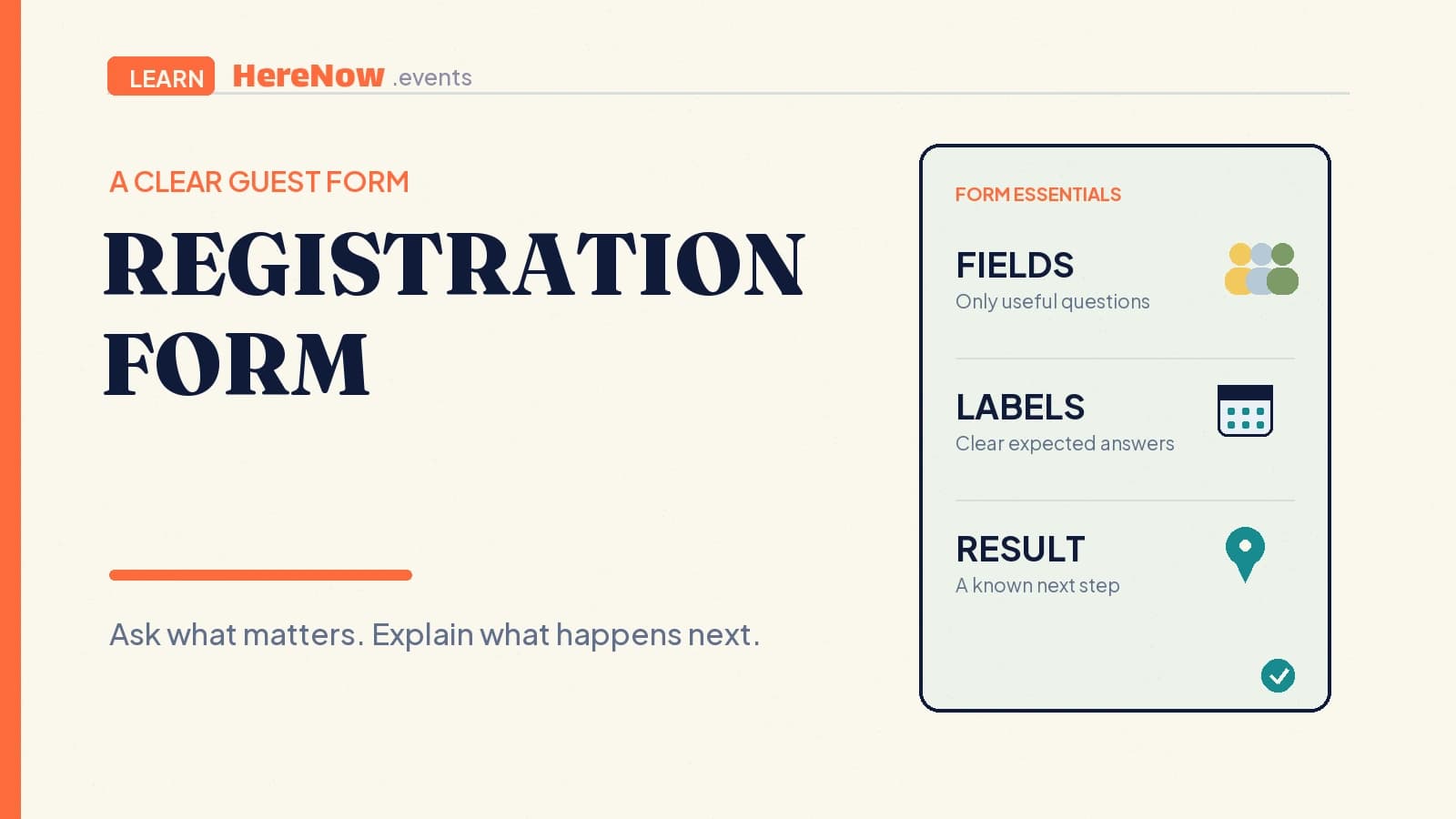
An event registration form is where a guest gives the host the details needed to join. It may be a name and email for a free workshop or include a session choice, dietary need, accessibility request, or payment-related selection. A good form makes clear what to enter, why it matters, and what happens after submission.
The short answer
- The event page helps a guest decide whether to join.
- The registration form collects the details needed to make that participation workable.
- The confirmation tells the guest their actual status and next step.
- The host’s job is to keep every question useful, understandable, and proportionate.
The form should feel like a practical handoff, not a test of patience. Ask only what the host can use to prepare a more welcoming event.
Start with the smallest useful form
Begin with the event decision you need to make. For a free open walk, a name and email may be enough for a weather update. For a hands-on workshop, you may also need a time-slot choice or an ingredient-related access note. A form should grow from the gathering’s real needs, not a generic template.
That approach also respects guest data. The UK Information Commissioner’s Office describes data minimisation as collecting information that is adequate, relevant, and limited to what is necessary for a stated purpose. Its guidance offers a useful host habit: before adding a field, be able to say how the answer will change your preparation, communication, or guest experience.
A four-question check before you add a field
Ask four things: Do I need this answer before the event? Will it change what I prepare, where I place someone, or what I send? Can I explain the reason in one sentence? Is there a less intrusive way to get the same result? If not, keep the question out. This check protects guests from unnecessary effort and keeps the host’s record useful.
Write questions guests can answer
Each field needs a label that describes the expected answer. “Email address” is clearer than “Contact.” “Preferred workshop time” is clearer than “Selection.” If a field has a special format, show an example. If a choice has consequences, explain them before the guest selects it.
The W3C says form inputs need labels or instructions so people know what information to enter and what an option means. Its guidance on labels and instructions also warns against filling a page with unnecessary cues. The goal is not more text. It is enough context for a guest to choose correctly without guessing.
Group related questions together. Keep name and email together, put session choices in their own group, and place optional access questions after the event basics. A guest using a screen reader, keyboard, or small phone screen benefits when the form follows the event’s logical order: who you are, how you will join, and anything the host needs to know.
Make required fields and errors clear
Required fields should be visibly and explicitly marked. Do not rely on a red border, an unexplained asterisk, or a failed submission to tell guests that an answer is needed. State it in the label and provide a concise instruction where the field has a format or rule. Optional questions should be genuinely optional.
The W3C’s form-validation tutorial recommends clearly identifying required input and allowing people to review and correct it. A useful error names the field and tells the guest how to fix it: “Email address: enter an address we can use for updates,” rather than “Invalid input.”
For information that could affect a guest’s experience, such as an allergy note, explain whether the host can accommodate it and how to contact them if the form is not enough. Clear language is kinder than a vague checkbox.
Show an outcome after submit
A submit button should lead to an understandable result. Guests need to know whether their registration was successful, whether something needs correcting, or whether the host will review the request. For a confirmed space, say so. For a waitlist, say so. For a manual approval process, state when guests can expect an answer.
The W3C’s user-notification guidance says successful and unsuccessful submissions both need clear feedback. It recommends concise error explanations with correction instructions and confirms that success messages matter too. In an event form, connect feedback to the next step: check your email, choose a new time, or wait for a host reply.
Example: a community supper club
A host is planning a 16-person community supper club. The event page explains the menu style, date, neighbourhood, price, and that the table includes shared dishes. The form asks for a name, email, and a dietary note. It does not ask for a phone number or a biography because the host will not use either to plan the meal.
The dietary field says, “Tell us about a dietary requirement we should know before shopping. We will confirm what we can accommodate.” The submit result says, “Your request is received. We will email your confirmation and menu note by Tuesday.” If the table fills, the same page can make the guest’s status clear rather than leaving them to wonder whether a silent submission created a place.
This is a small form, but it gives the host usable planning information, gives the guest a truthful expectation, and creates a record that makes the next supper easier to organize. Keep the event title, date, host context, and primary details easy to revisit while a guest registers. The event’s permalink is the stable reference if the schedule or location changes. When you are ready to build the guest path, create an event in HereNow and make each field, message, and confirmation help a person take one informed step toward joining.
FAQ
How many questions should an event registration form have?
There is no fixed number. Use the fewest questions that let you run the event well. A casual walk may need two fields; a workshop with limited materials may need several more. Review each question against a real host action. If the answer will not change preparation, access, grouping, or communication, it should usually be removed or made optional.
Should a form ask for phone numbers?
Ask only when a phone number is genuinely useful, such as coordinating a time-sensitive pickup or a last-minute change that cannot reliably reach guests by email. Explain why it is requested and how it will be used. For many small events, email is enough for confirmations and practical updates, so a phone field may add friction without value.
What should happen after someone submits the form?
Show a clear on-screen outcome and send the next useful message through the contact method you collected. State whether the guest is confirmed, pending, or waitlisted, then include the date, essential logistics, and any action required. The guest should never have to guess whether the form worked or whether they need to do anything else.