What is a payout?
A payout is the transfer of available ticket-sale funds to a host’s external account. Learn how it differs from checkout, balances, and revenue.
A payout is the transfer of money from a payment account to an external account, usually a bank account or eligible debit card. For an event host, it is the later step after guests have bought paid tickets and funds have become available in the payment system. A payout is not the ticket sale itself, the total event revenue, or an automatic guarantee that money has already arrived at the bank.
A payout is money moving out to the host
When someone buys a paid ticket, the payment first enters the relevant payment flow and balance. A payout is the transfer that moves eligible funds from that balance to the host’s external payout destination. Stripe defines a payout as a transfer to an external account, commonly a bank account, in the form of a deposit. Stripe’s connected-account payout guide explains that the connected account’s bank account or debit card is the destination for this stage.
That distinction helps a host ask better questions. “Did my guest’s ticket payment succeed?” is about a purchase. “Are the funds available?” is about the payment balance. “Has the payout reached my bank?” is about a separate transfer. Keeping those questions apart prevents a host from promising a supplier, co-host, or venue payment before the funds are actually ready.
The three stages behind one ticket sale
A guest-friendly event page can make checkout feel like one quick action, but the money has a short lifecycle after that. A simple way to read it is:
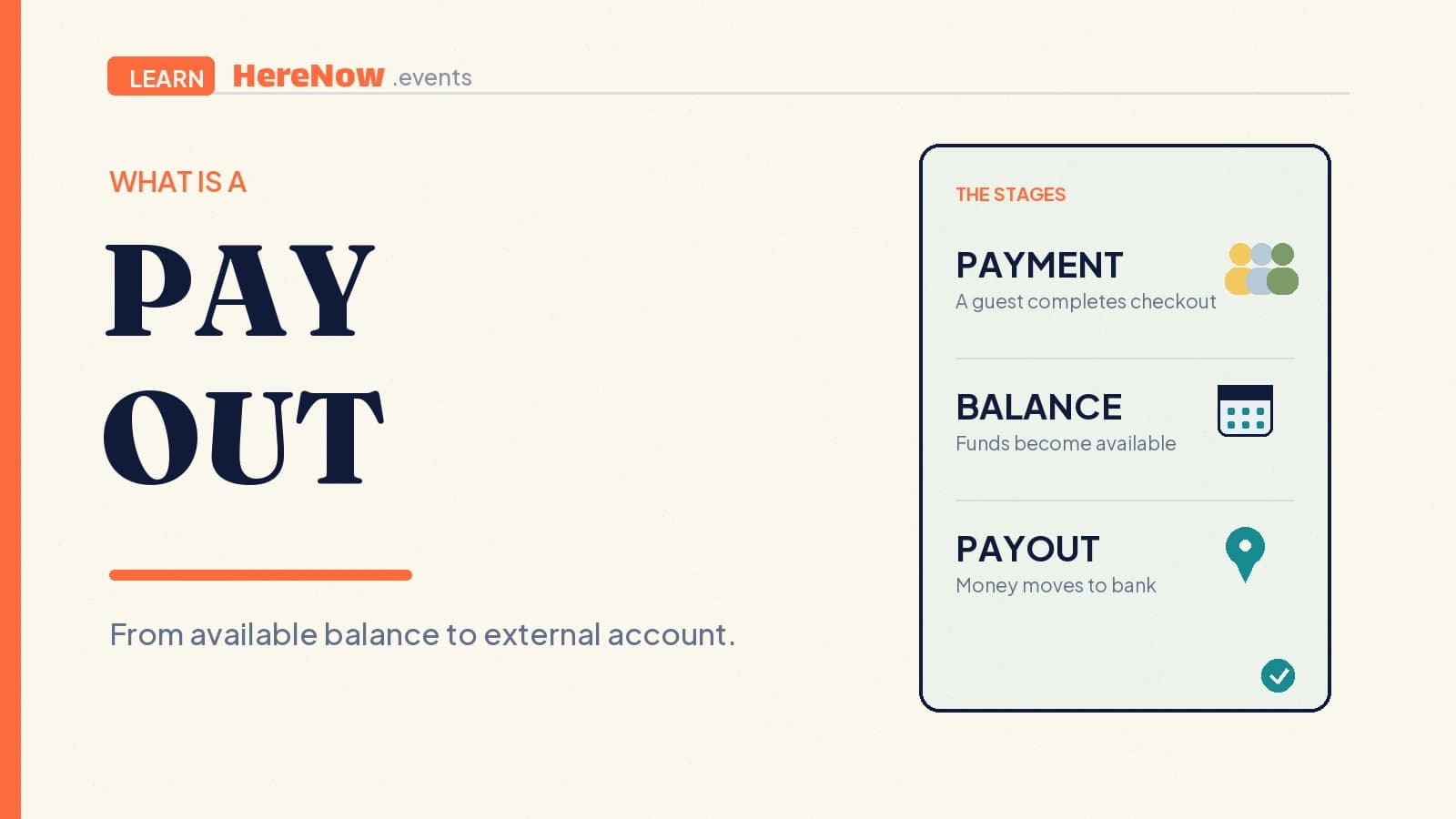
- Payment: the guest completes checkout for a ticket. This confirms their purchase; it does not by itself mean a bank deposit has happened.
- Balance: funds can appear as pending while they settle, then become available for eligible actions such as a payout. Stripe says pending funds are not yet available to pay out, while available funds are. Stripe’s account-balance guide explains the distinction.
- Payout: available funds are sent toward the external bank account or debit card according to the account’s settings and status.
The exact flow can vary with the country, payment method, account setup, fees, refunds, disputes, and the platform’s payment configuration. Treat the three stages as a practical mental model, not a universal promise about timing or final amounts. It is especially useful when you are planning a small class or supper club where a single late payment can affect a modest budget.
What payout status tells you
A payout status tells you where that external transfer is, not whether your event was a success. Stripe uses statuses including pending, in_transit, paid, failed, and canceled. Pending means the payout has been created but has not left Stripe for the bank. In transit means it has been submitted to the destination. Paid means it has reached the external account. Failed and canceled mean the payout did not complete as intended.
Those labels are helpful because they replace vague language such as “the money should be there.” A host who sees pending can wait and check the estimated arrival details; a host who sees failed can review the payout account or follow the platform’s support path. Stripe’s Payout object reference documents the status meanings, payout destination, and the fact that a bank’s holidays or weekends can affect the expected arrival date.
Why the amount and timing can differ from ticket sales
Ticket sales are the guest-facing gross amount. A payout is a later movement of funds, so its amount and timing can be affected by the real conditions of the payment account. Platform fees, payment-processing fees, taxes, refunds, disputes, and any account-level adjustments can all change what is ultimately available. This is why “40 tickets sold at $25” is not a reliable synonym for “$1,000 is ready to withdraw.”
Schedule matters too. Stripe’s connected-account documentation describes automatic payout schedules such as daily, weekly, and monthly, as well as manual choices where they are supported. Availability timing can vary by country and account configuration, and a schedule controls when available funds are sent rather than whether a guest’s payment was accepted. Stripe’s payout-schedule guide is a good reference when a host needs to understand the difference between settlement timing and payout frequency.
An example: a paid neighborhood walk
Sam hosts a 15-person architecture walk with a $16 ticket. Fifteen guests register through the event page, and their confirmations make the guest list clear. Sam does not use the number of confirmations as proof that $240 has reached the bank. Instead, Sam checks whether ticket payments have cleared, whether the connected account has available funds, and whether a payout is pending, in transit, or paid before using that money to reimburse a guide.
The habit is repeatable for the next walk: set a realistic event capacity, make the ticket terms clear, and review payout status instead of relying on an estimate. It keeps the guest journey simple—one event page and one registration path—while the host keeps a separate, calmer view of the money movement after checkout.
How to check a payout without guessing
Start with the right screen and the right question. On HereNow, Payouts is separate from the Pro subscription. It shows the host’s connected-account setup and whether Charges and Payouts are enabled; Stripe hosts the secure onboarding details. Free events can still use event registration without payout setup, while paid ticketing requires the relevant paid-event readiness.
For a paid event, use the Payouts area to check connection status, resolve an action-required message in Stripe, and sync the current status after returning. Remember that a payout page is not a revenue forecast. If it is important to pay someone by a specific date, confirm the payout status and arrival information before committing to that date. When your connected account is ready, check Payouts in HereNow rather than assuming paid tickets have already become a deposit.
Frequently asked questions
Is a payout the same as my event revenue?
No. Event revenue is a broad way to describe money generated by ticket sales. A payout is a particular transfer of available funds to an external bank account or debit card. Fees, refunds, disputes, taxes, and timing can mean the amount paid out is different from the total amount guests originally paid.
Why is a ticket payment successful but no payout is visible yet?
Payment success is only the first stage. Funds can still be pending settlement, waiting for the account’s payout schedule, or held up by a payout-account requirement. Check the balance and payout status separately. If the account needs information, complete the secure Stripe request and then refresh the Payouts status.
Does a paid payout status mean a bank deposit is final?
Paid means Stripe reports that the payout reached the external account. It is still sensible to reconcile it with the host’s own bank record, especially before making a large commitment. Bank posting, statement descriptions, currency conversion, and later refunds or disputes can make financial records need further review.