What is event check-in?
Event check-in confirms a guest has arrived, helping hosts create a welcoming start, manage attendance when needed, and keep the event running calmly.
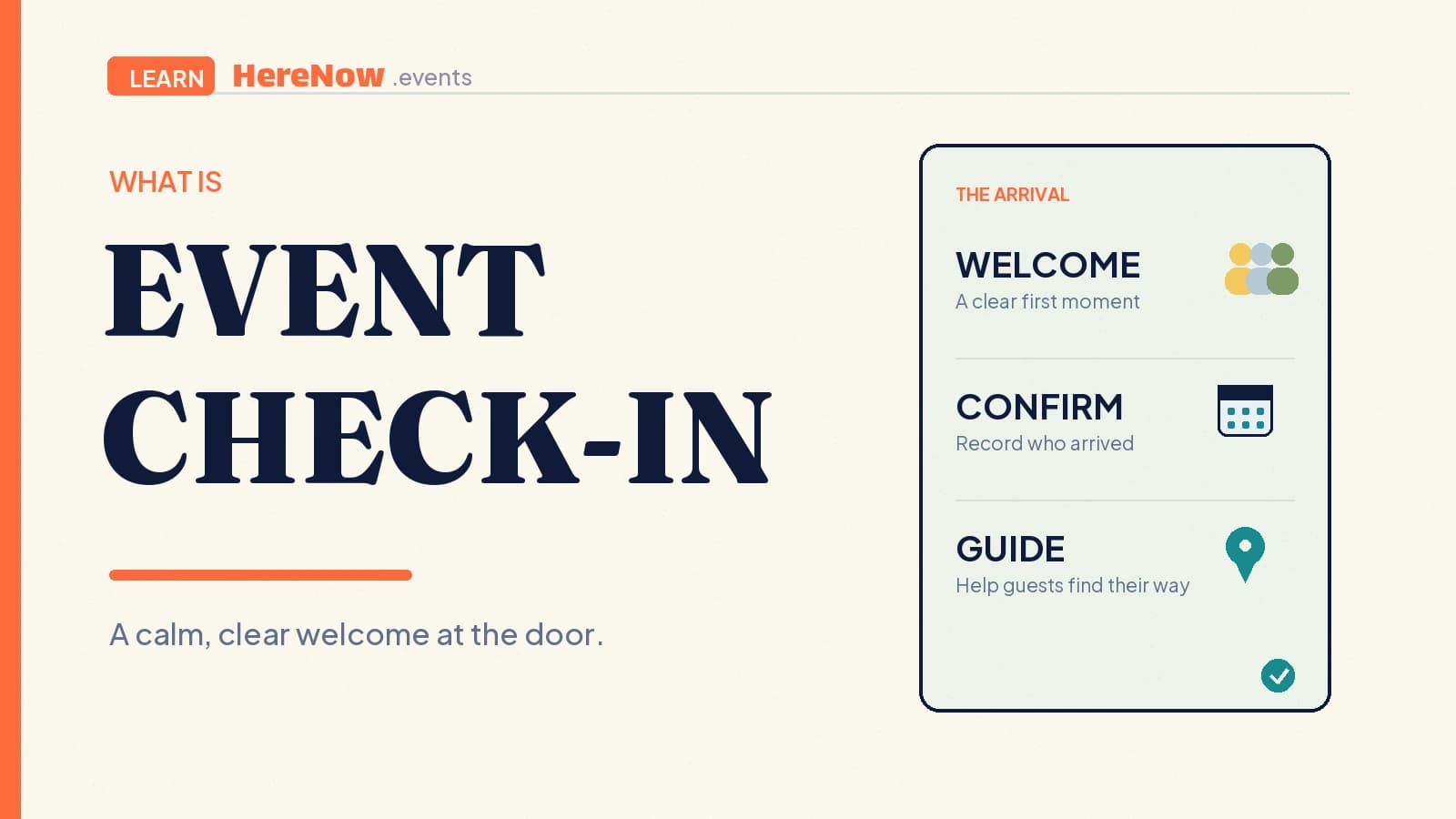
Event check-in is the process of confirming that a registered guest has arrived at an event. It can be as simple as a host marking a name on a list, or as structured as scanning a QR code at the door. Check-in turns an RSVP into an attendance record, but its first job is still human: welcome a person, help them find their way in, and make the beginning of the event feel clear rather than transactional.
Check-in confirms arrival; RSVP expresses intent
An RSVP or registration tells a host that someone plans to join. Check-in records that they actually arrived. That distinction can help a host understand room use, prepare materials, keep a small event within its expected capacity, or know who has joined a workshop before it begins. It does not mean every event needs a strict door process, identity verification, or a long queue.
Stanford’s event guidance notes that many free, open events do not need registration at all, while registration can be useful for capacity, safety, venue requirements, or follow-up communications. That is a useful starting test for check-in too. A ten-person neighborhood walk may only need a warm hello; a capacity-limited class with prepared kits may benefit from a clear attendance list.
Use check-in only when it helps the experience
A check-in process should solve a real hosting need, not create a ritual because larger events have one. Consider it when you need to manage a limited room, distribute reserved materials, welcome first-time guests, keep a waitlist accurate, or start an activity after the expected group has arrived. For an open community event with plenty of space, an informal count or no check-in may be the more welcoming choice.
If you do use it, explain the purpose in plain language. “We’ll check you in when you arrive so we can give you the right materials and start on time” is clearer than an unexplained request for extra information. The attendance record belongs to the host who collected it for the event. Keep it limited to what is needed for that event, and do not turn a guest’s RSVP or arrival into platform marketing without their separate, informed permission.
Design the first two minutes for people, not the list
Check-in is often a guest’s first in-person contact with the event. Princeton’s event-planning toolkit advises hosts to welcome people as they approach, help with name tags and materials, point out the location and start time, and identify an accessible route when needed. Those small actions make a check-in station useful even for a modest gathering.
Keep the visible setup simple: a clear welcome point, one person who can answer questions, and an unobstructed way for guests to enter. Avoid reading names or personal details aloud in a crowded room. If someone cannot find their registration, give them a calm fallback: confirm the relevant details privately, ask the host to review the list, or offer an appropriate place to wait. The goal is to welcome a person without making a small mismatch feel public.
Choose a method that matches the event
The method matters less than the clarity around it. A host can use one of four approaches:
- Host-led name lookup: best for a small class or supper club where a host can greet each person.
- Self check-in: useful when guests know the group and the process is clearly signed, with a human fallback nearby.
- QR or ticket scan: useful when timing and volume make a list lookup slow, provided guests can still ask for help.
- Simple headcount: enough for some open walks, talks, or drop-in gatherings where individual attendance records are unnecessary.
Do not make a small event feel like airport security. The host’s decision should follow the activity and guest needs. MIT’s event guidance pairs a check-in station with practical planning for late arrivals, accessibility support, signs, directions, and unexpected guests. That wider view of arrival is more helpful than optimizing a scanning tool in isolation.
Prepare the team and a simple exception path
Before doors open, decide who welcomes, who can edit or confirm an attendance record, who leads the event if the host is checking people in, and what happens if several guests arrive at once. University of California, Riverside recommends assigning people for setup, registration/check-in, program components, and other day-of roles, then sharing arrival times and responsibilities clearly. That staffing principle works just as well for a two-person workshop team.
Make a short exception plan: late arrival, walk-in guest, name missing from the list, accessibility question, or a guest who wants to leave early. The correct response will depend on the event’s capacity and policies, but the team should not need to invent it at the door. Put the check-in window and handoff in the workshop or event agenda so the person welcoming guests is not also expected to teach the first activity.
Example: check-in for a 20-person plant swap
A host running a Sunday plant swap asks guests to RSVP because there are only 20 table places and each person may bring up to three labeled cuttings. At the door, a co-host welcomes arrivals, checks the guest’s first name against the RSVP list, and gives them a color sticker showing the swap table. The host remains free to explain the plant-care guidelines and start the exchange on time.
A walk-in guest is not rejected automatically. If there is room and the event rules allow it, the co-host explains the format and records only the information needed for that visit. If the room is full, they offer a respectful next step instead of creating a public negotiation. On HereNow, a host can build the RSVP path before the event and use the attendance view on the day to keep the welcome organized without requiring guests to create a HereNow account.
Frequently asked questions
Does every event need check-in?
No. A small, open gathering with no capacity limit or materials to allocate may not need individual attendance tracking. Use check-in when it improves safety, capacity planning, a guest’s arrival, or the host’s ability to run the event. If it adds friction without helping, a simple welcome or headcount is usually enough.
Can guests check themselves in?
They can, if the method is understandable and someone can help when it fails. Self check-in works best when guests already know the context and the event is not tightly capacity-controlled. For first-time guests or a small workshop, a host-led welcome often feels more personal and resolves questions earlier.
Who owns event check-in data?
The attendance record collected for an event belongs to the host or organizing team running that event. It should be used for the event’s legitimate operational needs, protected from unrelated access, and not repurposed for platform marketing. Hosts should collect only what they need and communicate any follow-up use clearly to guests.