What is a host profile?
A host profile is a public introduction that helps guests understand who is behind an event, what they host, and what context belongs in a clear invitation.
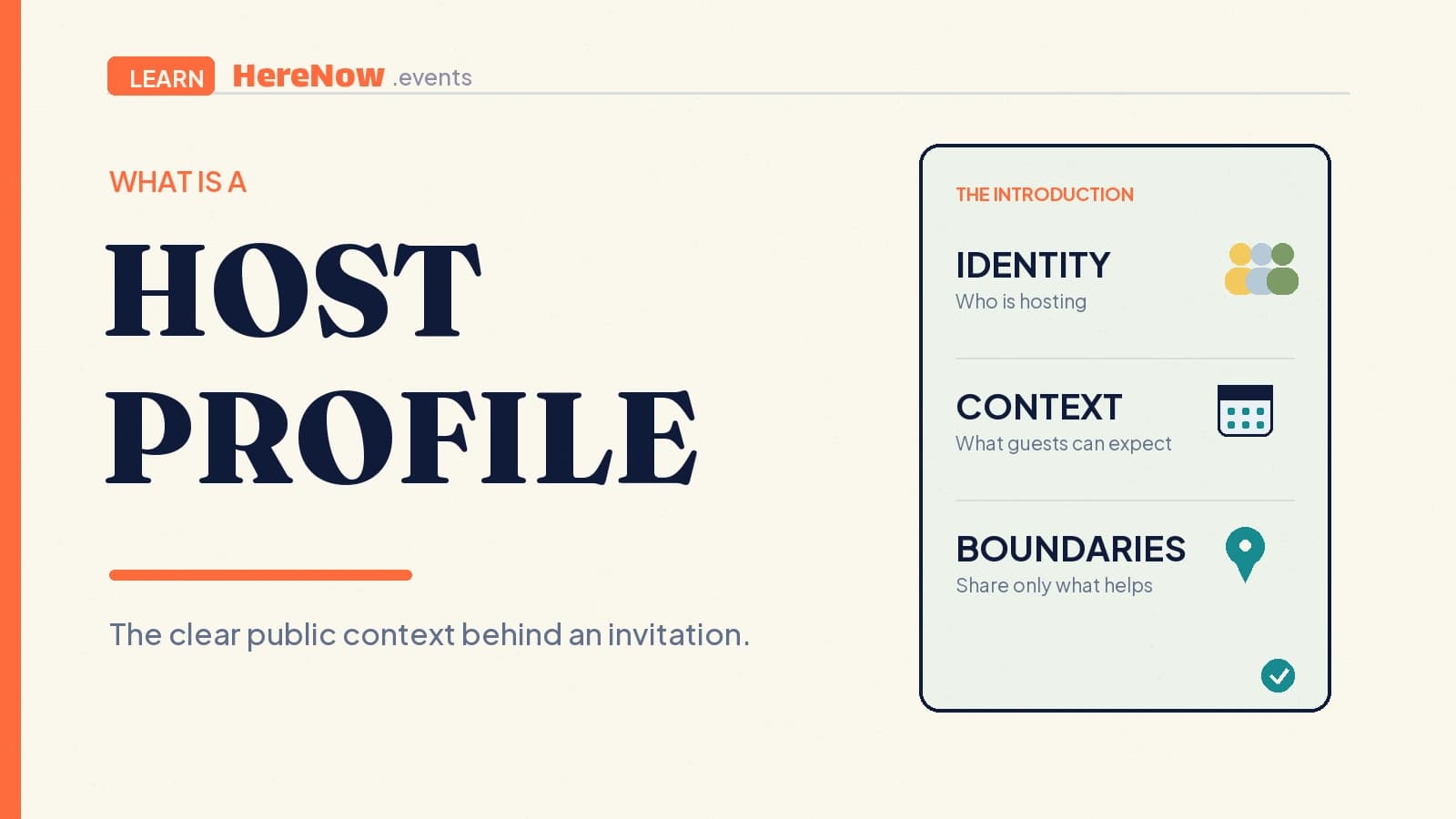
A host profile is the public page that introduces the person, team, or organization behind an event. It helps a guest understand who is inviting them, what kinds of gatherings they host, and where to find relevant public events. It is not a résumé, guest list, or demand for personal disclosure. It is a small, accurate bridge between a host’s identity and the experience a guest is deciding whether to join.
A host profile connects the host to the invitation
An event page explains one gathering: the time, place, activity, and registration path. A host profile supplies the surrounding context. It answers a first-time guest’s quiet question before they RSVP: “Who is organizing this, and what are they trying to make possible?” For a language exchange, that might be a local teacher and a welcoming practice group. For a supper club, it might be two neighbors curating small dinners around an interest.
Public profiles do not need to be elaborate. The World Wide Web Consortium’s public directory uses a name, photo, title, biography, and optional links as a concise introduction to an individual’s work. Its public-profile fields are a useful reminder that a recognizable identity and short explanation can be more helpful than a long self-description.
Give guests the information that helps them decide
A clear host profile usually needs only a few things, each written for someone who has not met the host before:
- A recognizable name and image: use the name guests will see in messages and at the event, plus a photo or logo that makes the page easy to recognize.
- A focused bio: say what you host, for whom, and what the experience tends to feel like. “I run quiet Sunday drawing walks for beginners” is clearer than “Passionate about community.”
- Relevant public activity: connect the profile to the events, series, or community work that genuinely belongs to it.
- A considered contact path: link an appropriate public website or social account when it helps guests verify context or ask a reasonable question.
The aim is expectation-setting, not persuasion by volume. A guest should compare the profile with the event page and see the same story: a host who says they run accessible beginner workshops should make the first workshop’s instructions and registration path consistent with that promise.
Keep the public introduction separate from private information
A host profile is public-facing, so it should not reveal more than is needed to explain the hosting role. Do not put a home address, personal phone number, private email, travel routine, identification documents, or detailed information about other people on it. A public contact channel can be useful; a permanent record of personal details usually is not.
A profile is not a place to display attendees, registration answers, private feedback, or a list of followers as though those people endorse the host. The UK Information Commissioner’s data-minimisation guidance frames the principle clearly: personal data should be sufficient and relevant for a purpose, but limited to what is necessary. Treat that as a design habit, not legal advice for every jurisdiction.
Let the events do the supporting work
Profiles are strongest when the public event record supports the bio. A host who runs a book club can show the next reading night and relevant past pages; a maker who teaches workshops can point to the formats they actually teach. That helps guests see continuity without turning attendance totals, ratings, or follower counts into a claim that an event will be right for everyone.
On HereNow, a public host profile can bring together a host’s name, bio, selected social links, public upcoming and past events, and event reviews. A guest can open a future community event, look at the host context, and choose whether the invitation feels relevant. The host remains responsible for keeping the description accurate as their work changes.
Write for a first-time guest, then keep it current
Imagine a guest landing on the profile after a friend sends a workshop link. In a few seconds, they should know whether the host is a person, team, or organization; what the gathering is about; and where to go next. They should not need to infer a host’s background from a vague slogan, a large follower number, or unrelated links.
Use a short review rhythm. Before publishing a new format, read the profile beside the event page. After changing cities, collaborators, or event type, update the bio and links. The U.S. National Institute of Standards and Technology notes that digital identity is contextual and advises people to avoid sharing too much personal information online. That privacy-aware view of online identity is useful for hosts: keep the profile true to the current role, and share only what a guest needs to decide.
Example: a profile for a neighborhood cooking club
Mina and Ravi host a twice-monthly cooking club for people learning one regional dish at a time. Their profile says: “We host small, hands-on neighborhood cooking nights for curious home cooks. Expect a shared prep table, a sit-down meal, and clear ingredient notes.” It uses a photo of the hosts, links to the club’s public recipe newsletter, and shows the next dumpling workshop plus two past public events.
It does not show their home address, guest names, dietary answers, private group chat, or a personal phone number. A newcomer can understand the format and use the event page for the specific location and RSVP details. When ready, Mina or Ravi can set up their HereNow profile and link public events to the same clear introduction.
A profile is a promise to be legible, not famous
You do not need a large portfolio or polished brand to have a useful host profile. A new host can say what they are making, who is involved, and what guests can expect from the first gathering. An established host can simplify a page that has become vague or out of date. Give people reliable context for an invitation, then let the event itself earn their confidence.
Frequently asked questions
Does every event need a host profile?
No. A one-off private gathering may only need a clear invitation and a contact method. A public or recurring event benefits more from a profile because new guests may want context about who is organizing it. Use one when it genuinely makes the invitation easier to understand, not as another page to maintain for its own sake.
Can a host profile represent a team or organization?
Yes. Use the name guests should recognize, explain who is responsible for the experience, and make the team’s role clear. A profile for a community group, studio, or event series can be more useful than separate personal profiles when the public invitation is genuinely organized under that shared identity.
What should I leave off a public host profile?
Leave off sensitive personal details, private contact information, attendee data, registration responses, and anything that identifies another person without a clear reason and appropriate permission. Include only what helps a guest understand the host and event context. For sensitive formats or locations, keep practical details on the right event page or share them privately with confirmed guests.