What is an event page?
An event page is the single shareable page that gives guests the details and confidence they need to decide whether to join a specific event.
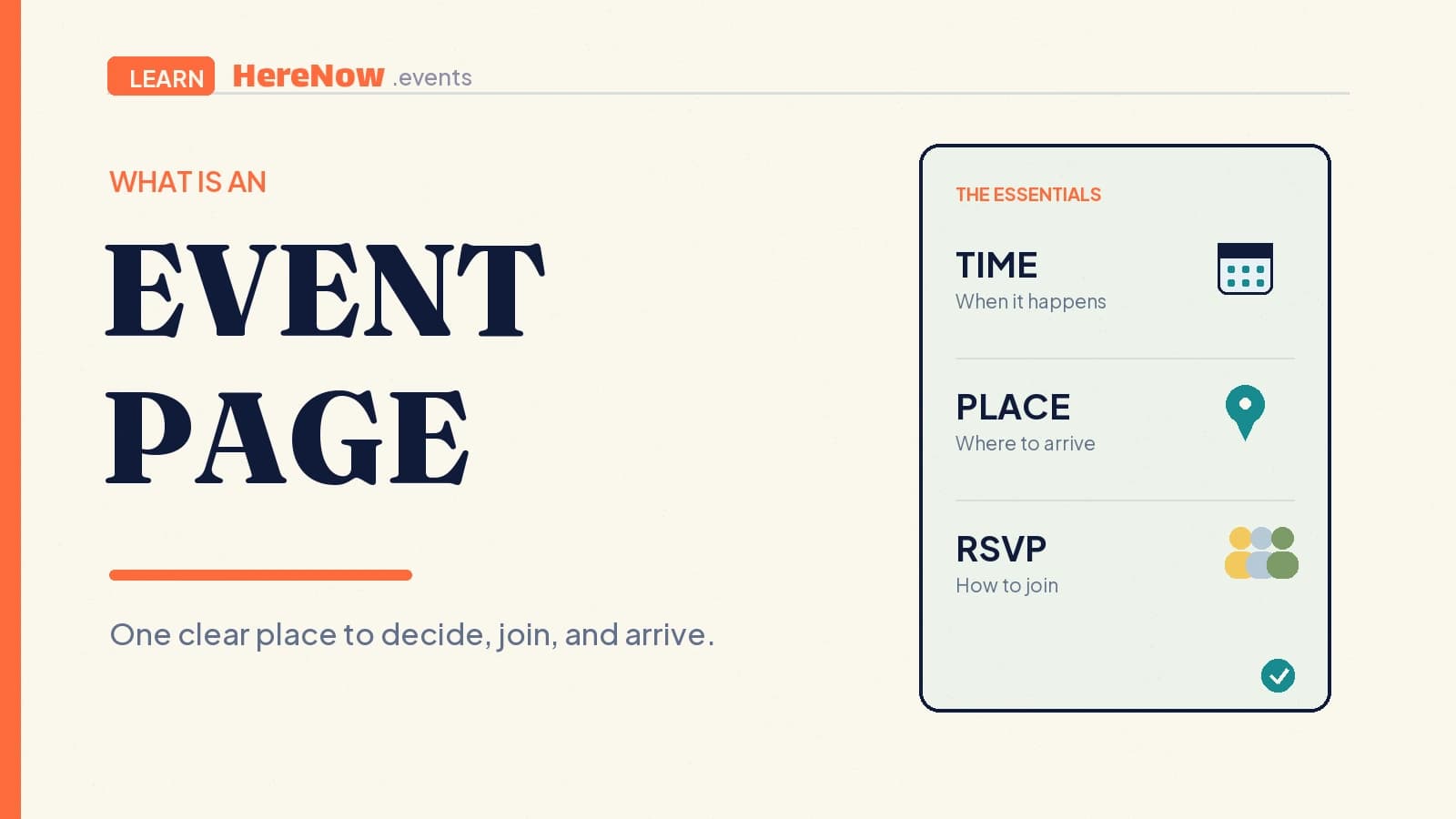
An event page is the single web page that helps someone decide whether to join one specific event. It brings the invitation, date and time, location or joining details, host context, plan, and RSVP or ticket action into one shareable place. Unlike a social post or chat invitation, it should still make sense when a guest sees it later or receives it from a friend.
Why an event needs its own page
An event page is not simply an announcement. It is a guest-facing decision page: it answers what is happening, who it is for, when and where to arrive, and what to do next. A clear page reduces the need for back-and-forth messages because the essentials are already in one dependable place. It also gives the host one link to share in a group chat, a newsletter, a calendar invite, or a direct message.
That matters most for smaller gatherings. A host can explain a ceramics workshop in a few warm sentences, but a prospective guest still needs to know whether the session is beginner-friendly, what materials are included, and whether there is space. The page turns that scattered information into a clear invitation. It should make participation feel straightforward, not make people guess.
The information a reliable event page needs
The exact layout can vary, but a useful page gives guests enough context to decide without searching for missing details. The Schema.org Event type and Google's event documentation both reinforce the importance of describing a specific event with accurate details such as its name, start time, location, description, organiser, and offer or registration information.
- A specific title and invitation. Say what the gathering is and give people a reason to care. “Sunday beginner pottery: make your first mug” is more useful than “Creative event.”
- Time and place. Include the date, start time, time zone when relevant, venue name, address, or an unambiguous online joining method. Add an end time when guests need it for planning.
- What guests can expect. Explain the format, who the event suits, what is included, and any practical preparation. A short agenda can make an unfamiliar format feel approachable.
- A clear next action. Make the RSVP, registration, waitlist, or ticket choice easy to find. Include the host or organising group so guests know whose invitation they are accepting.
Accuracy matters more than decorative detail. If the venue, capacity, access needs, price, or plan changes, update the same page and tell registered guests through the appropriate channel. The page should reflect the event people can actually attend.
Make the page easy to scan and trust
Put the essential facts near the top, use short headings, and keep the RSVP action visible without repeating it so often that it becomes noise. A calm sequence works well: promise first, then time and place, then the experience, then the next step. Images can help guests picture the atmosphere, but they should support rather than replace useful text.
Structure is also part of hospitality. The W3C page-structure guidance recommends meaningful, logically nested headings so readers and assistive technologies can navigate sections efficiently. On an event page, that means labels such as “Schedule,” “Location,” “What to bring,” and “Registration” should describe the information that follows. Plain language is clearer than clever labels when someone is deciding whether they can come.
An illustrative small-event example
Imagine Mina is hosting a Saturday language exchange for newcomers to her city. Her first draft says only, “Coffee and conversation, 3pm.” A workable event page turns that idea into a decision guests can make: “Beginner-friendly Spanish and English language exchange,” Saturday 3:00–4:30pm, at a named café with its full address, free to join, and limited to 16 people. It explains that guests will start with a welcome prompt, rotate conversation partners twice, and can come alone. It also notes that no fluency is expected.
Now the RSVP button has context. A guest knows the social format, the commitment, and whether it fits their Saturday. Mina has one link to share instead of rewriting details in every message. Afterward, she can reuse the same structure for the next session: change the date, update the prompt, confirm capacity, and keep the parts that made arrival easy. That repeatable habit is one reason an event page is more durable than a one-off post.
Publish a page that stays useful after sharing
Before publishing, read the page as a first-time guest. Can you identify the event, decide whether it is a fit, find the time and place, understand the cost or RSVP terms, and take the next step? Ask someone who has not heard the idea before to try the same check. Their unanswered question is usually the most useful edit.
For public events, give each event its own stable link and keep the page focused on that one gathering. Google’s guidance for event markup likewise calls for a unique URL and a page that focuses on a single event. Structured data can help search systems understand event details, but it is not a guarantee of how or whether a result will appear. The guest-facing information should be complete and accurate even when nobody arrives from search.
Build a better page each time
A first page does not need to be elaborate. Start with the guest decision, then improve the reusable parts after each gathering: the promise, logistics checklist, agenda, and welcome instructions. For more help with the words and sections, see how to write an event page and how to create an event agenda. When you are ready to turn an idea into an editable draft, create an event with HereNow and refine the page before you share it.
Frequently Asked Questions
Is an event page the same as an event invitation?
An invitation is the message that asks people to come. An event page is the destination that holds the complete, current information behind that invitation. A short invitation can lead to the page, while the page gives guests the details they need to register, prepare, and arrive confidently. Think of the invitation as the knock on the door and the event page as the place where every practical question has an answer.
Do free events need an event page?
Yes, when guests still need to make a decision. A free event can have a capacity limit, an address, a preparation requirement, or a host who needs a headcount. A simple page makes the RSVP meaningful and gives guests one place to check the latest details. It also helps a host tell the difference between casual interest and people who have actively chosen to come, without turning a friendly gathering into a complicated process.
When should I publish an event page?
Publish when the core facts are settled: the event promise, date and time, location or joining method, and RSVP path. You can improve supporting details later, but do not ask people to register for an event whose essential information is still uncertain. Update the page promptly if those essentials change, especially the time, venue, capacity, price, or access information. Guests should not have to discover a major change only after they have already made plans.