Public vs unlisted event pages
Public and unlisted event pages can share the same clear guest experience, but they differ in how people discover the invitation and what the host chooses to make broadly visible.
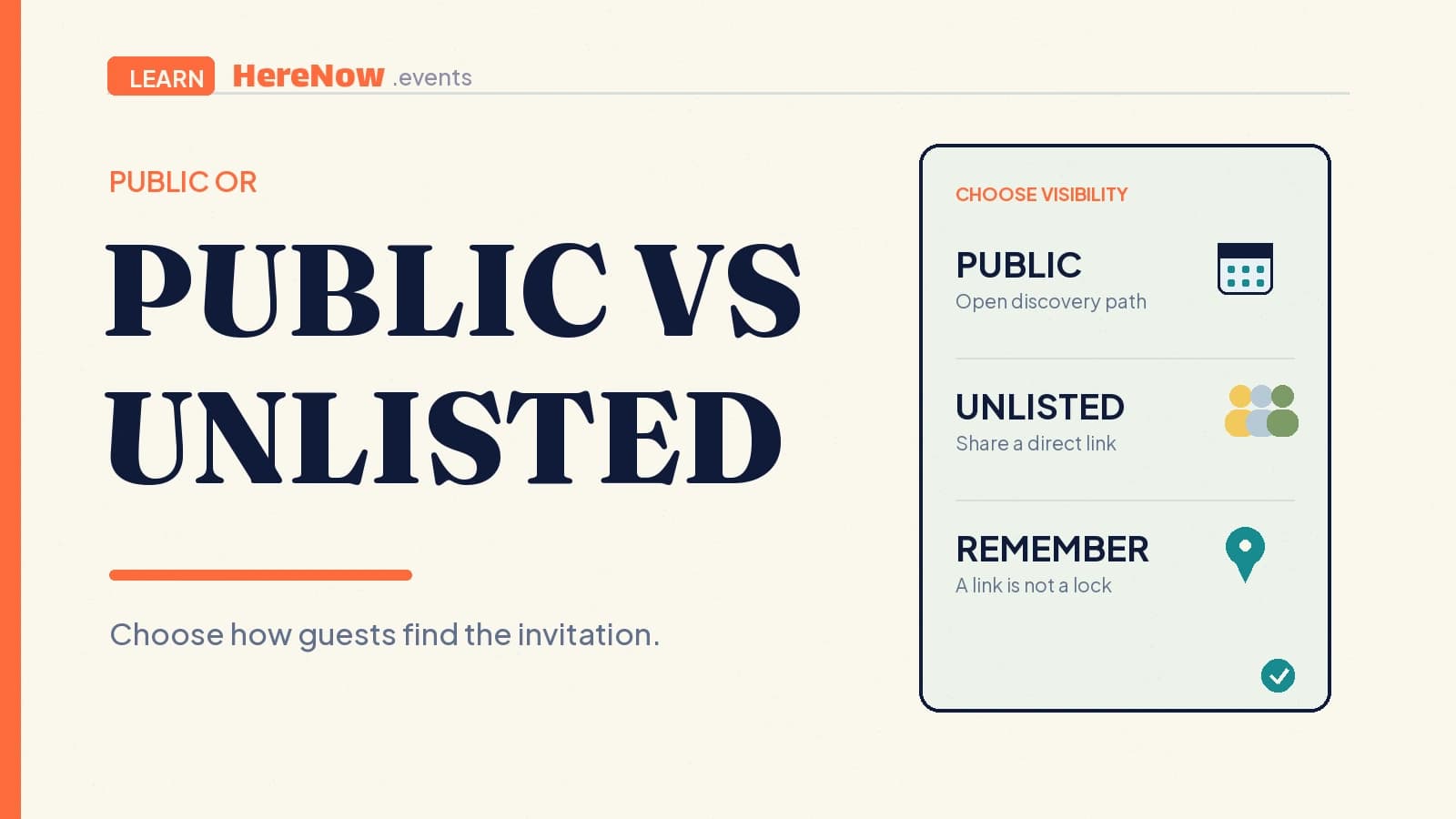
Public and unlisted event pages can use the same link, yet they serve different invitation goals. A public page is meant to be found and shared widely; an unlisted page is intended for people a host chooses. Both give guests the time, place, event promise, and RSVP action they need. The difference is how a first-time guest is expected to arrive—and what the host wants to make discoverable.
The difference in one sentence
Choose public when you want an event to be discoverable beyond the people already in your messages. Choose unlisted when you want a guest-ready page that people can open only after receiving its link. Unlisted is a sharing choice, not a lock on the information.
- Public: suited to an open workshop, community walk, class, or supper club that you want people to discover through sharing and public web surfaces.
- Unlisted: suited to a small gathering, an early invitation, or an event for a defined group when the page should stay out of public discovery paths.
- Both: should still be clear enough for a guest who opens the link without a prior conversation.
What changes when an event page is public
A public page is the right setting when the event benefits from being easy to find and pass along. A host may put it in a neighbourhood newsletter, a profile, a community calendar, or a message that people can forward. The page should state the activity, date and time, location or joining method, guest fit, and a clear registration step. Its job is to let a person decide, “Is this for me, and can I join?”
In HereNow, a published public event can be included in the site’s public event sitemap and uses the public-event indexing path. Google explains that public accessibility, crawler access, a working page, and indexable content are technical requirements for indexing eligibility—but meeting them never guarantees a search result. Google’s technical requirements are useful context for setting expectations, not a promise of reach.
What changes when an event page is unlisted
An unlisted page still gives a host one clean source of truth to send to guests. In HereNow, a published unlisted event remains link-accessible, so anyone who receives its URL can open it. It is excluded from the public event sitemap and marked for search engines not to index it.
That distinction matters: a link can be copied, forwarded, added to a calendar note, or seen by anyone who receives it. It is not a password or a guest list. Google’s guidance is direct that a noindex tag only limits appearance in Google Search; it does not stop users from opening a page. Google also notes that noindex must be visible to the crawler to work as intended. Treat unlisted as controlled distribution, and keep sensitive details off the page regardless of the setting.
For example, an unlisted page can name a general neighbourhood and say that detailed arrival instructions follow registration. It should not publish a door code, an attendee roster, personal contact details, or a home address that the host would not be comfortable having forwarded. Search instructions are aimed at crawlers, not at controlling who can use a copied link; Google’s robots meta guidance describes noindex as a rule for search engines.
Choose the setting from the invitation path
Start with one question: how should the right guest find this event? If the answer is “through a public post, a recommendation, or a relevant search,” public is usually the clearer fit. If the answer is “from a link I will send to a known circle,” unlisted is usually more fitting. The decision is about discovery, not whether the event is valuable or professional.
Public works best when the invitation welcomes people outside an existing group. It lets a host build one reusable page for a monthly drawing club, a language exchange, or a beginner class. Unlisted works best when the guest list is naturally bounded: a pilot session for past attendees, a members’ gathering, or a small supper where the host wants to share the plan only after someone is invited. In either case, make the RSVP terms, capacity, and next step clear so a guest does not have to ask for basics.
An illustrative workshop choice
Amara is planning an eight-seat beginner screen-printing workshop. For the first run, she invites people from a small creative group whose members already know her studio. She chooses unlisted, sends the page in the group message, and keeps the page focused on the session time, ticket cost, materials, and RSVP action. She lists the neighbourhood, then sends the studio entry details after someone registers. She knows that a forwarded link can still be opened, so she does not put personal notes or attendee information on it.
A month later, Amara repeats the workshop and wants new local makers to find it. She chooses public, writes a clearer description for newcomers, and adds the full venue information that she is comfortable sharing. The workshop itself has not become less intimate. Only the route by which a future guest can find the invitation has changed.
Make visibility part of publishing
Before you publish, take one minute to check the event through the eyes of a forwarded-link guest. This small habit makes the next event easier to host and reduces last-minute clarification messages.
- Decide whether you want discovery beyond the people you contact directly.
- Remove details that would be risky or uncomfortable if the link were forwarded.
- Confirm the event promise, time, place, capacity, and RSVP terms are current.
- Open the link on a phone and make sure the joining action is easy to spot.
For the words on either kind of invitation, use this guide on writing a clear event page. If you want the guest path to stay light, read how to collect RSVPs without requiring an account. When the details are ready, create your event in HereNow, choose the visibility that matches the invitation path, and review the shared page before you send it.
Frequently Asked Questions
Can an unlisted event page be shared with more than one person?
Yes. Unlisted is useful when you want to send one reliable page to a particular group, such as prior attendees or a private community. Remember that every recipient can forward the URL. Write the page as though anyone with the link may see it, and avoid treating it as a substitute for access control.
Will a public event page automatically appear in Google?
No. A public, crawlable page can be eligible for indexing, but Google does not guarantee that any page will be indexed or shown in search. Choose public because broader discovery fits the event, then keep its information accurate and useful for real guests who arrive through any channel.
Should I switch an event from unlisted to public once it is ready?
Only if you want people beyond your direct invitees to find and share it. An unlisted draft can be helpful while you check details with a small circle, but readiness alone does not require public discovery. Choose the setting that matches the event’s audience, safety considerations, and invitation plan.