What is a public event page?
A public event page is a shareable, guest-facing home for one event, with the practical details people need to decide whether and how to join.
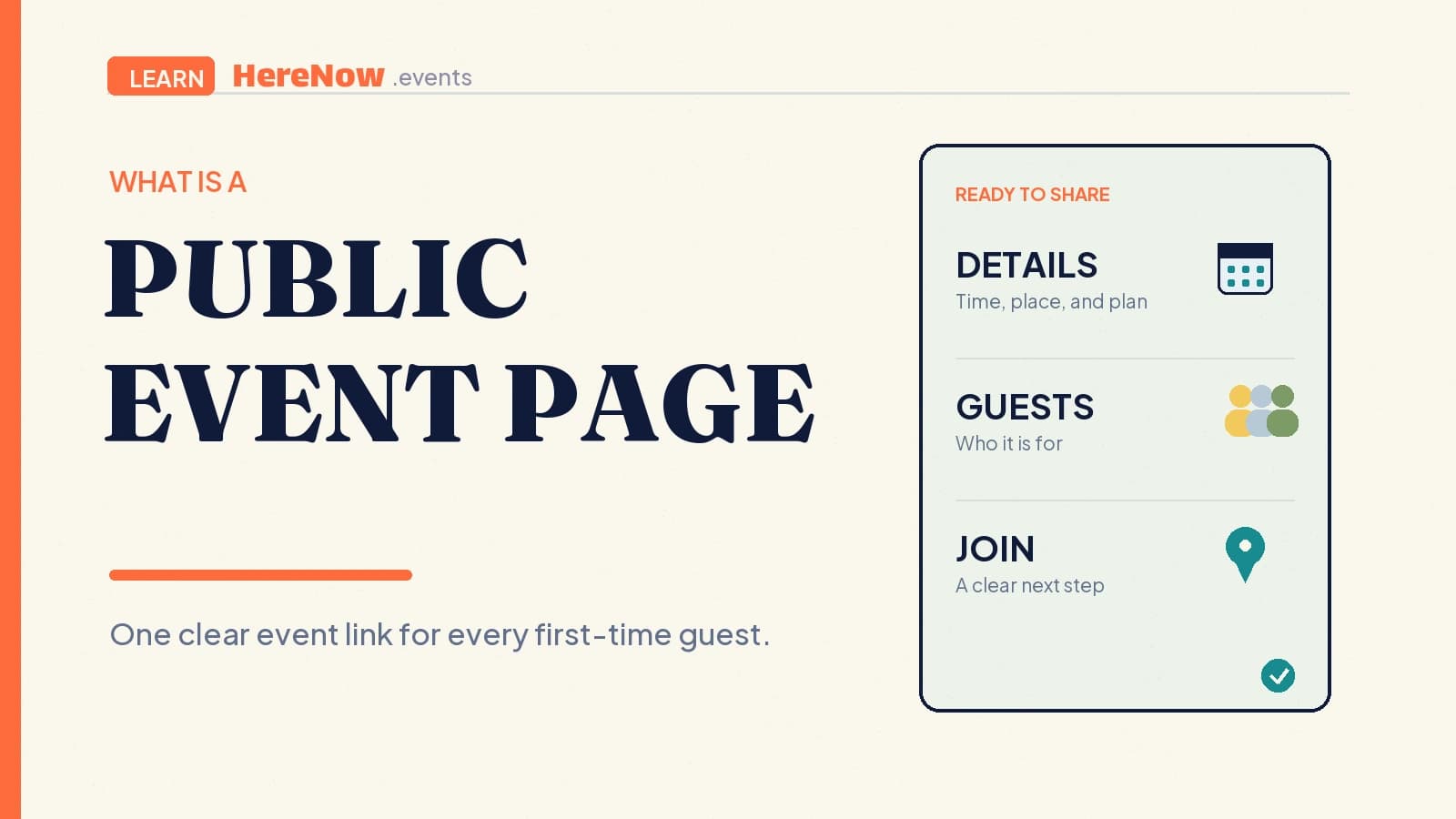
A public event page is a guest-facing web page for one specific event that is intended to be shared and opened without entering a private host workspace. It gives the gathering a clear home for what is happening, when and where it takes place, who is hosting, and how a guest can respond. For a workshop, walk, class, or supper club, a public page lets a host send one dependable link instead of repeating details across messages.
What “public” means for an event page
Public describes the page’s visitor-facing role. The event information is presented for people outside the organiser’s private planning space: prospective guests, friends who receive a forwarded link, and anyone else the host chooses to reach. The page should make sense to a first-time visitor who has no prior context. They should not need a private note, a spreadsheet, or a chat history to understand the invitation.
A public page can be shared in an email, a community post, a profile, or a calendar message. It can also be available to web crawlers if it is publicly accessible and not deliberately excluded. Google’s technical requirements explain that public accessibility is necessary before a page can be eligible for indexing, but eligibility never guarantees that a page will appear in search. The host’s first responsibility is still the guest experience, not a search result.
What a public event page should answer
A visitor should be able to make an informed decision from the page itself. For a public event, the core details deserve more prominence than decorative flourishes or promotional slogans.
- What is happening? Give the event a specific title and a short explanation of the format, topic, or shared experience.
- When and where is it? Show the date, start time, time zone when relevant, and the practical location or online joining method.
- Who is it for? Explain the intended experience, level, capacity, price or RSVP terms, and anything guests should bring or know before arriving.
- Who is hosting and how do I join? Give a small amount of host context and a clear RSVP, registration, waitlist, or ticket action.
These details match the information used to describe a real event on the web. Schema.org’s Event type includes properties for the event name, time, location, organiser, and offer, while Google’s event guidance calls for an accurate name, start date, and location on a page focused on a single event. The practical takeaway is simple: write the page for a person deciding whether they can attend.
What a public page does not mean
Public does not mean every detail must be published. Share the information guests need to decide and arrive, but leave out personal contact details, private planning notes, attendee lists, and anything that would create an unreasonable safety or privacy risk if copied elsewhere. If exact directions, a door code, or a sensitive location should only be sent after registration, say so plainly on the page and explain what guests will receive next.
Public also does not mean “guaranteed to appear in search.” Search visibility depends on many factors outside a host’s control. If a host intentionally does not want a page indexed, the appropriate technical controls are separate from simply sharing a link; Google documents that a noindex rule is used to prevent supported search engines from indexing a page. The event page should remain honest and useful whether a guest arrives through search, a referral, or a direct invitation.
Make the page ready for a first-time guest
Before publishing, use the “forwarded-link check.” Imagine a friend sends the page to someone who has never met the host. Can that person quickly tell what the event is, whether it fits them, when and where it happens, what it costs or requires, and how to join? If not, the page needs another pass.
Clear signposts make that check easier. The W3C guidance on clear page purpose recommends a title or heading that helps visitors understand what a page is for. On an event page, headings such as “Schedule,” “Location,” “What to bring,” and “Register” should lead to the exact information a guest expects. Simple labels are a form of welcome.
An illustrative workshop example
Leila is hosting a beginner candle-making workshop at a neighbourhood studio. Her public event page names the workshop, gives the Saturday date and two-hour session time, shows the studio address, and explains that wax, jars, and fragrance options are included. It says the workshop is designed for first-timers, lists an eight-person capacity, and makes the ticket action visible. A visitor can decide whether the activity, timing, cost, and location work before registering.
Leila does not put her personal phone number, supplier invoice, or the attendee roster on the page. If the studio’s side entrance is easier to find with a photo, she can add a clear arrival note or send further instructions after registration. After the workshop, she can update the same public page with a short recap or a link to the next session. The page becomes a useful record of one real gathering, not just a disposable announcement.
Publish with a small host checklist
Publish once the core facts are settled: the event promise, date and time, location or joining method, host context, and guest action. Recheck the page on a phone, copy the link into a message preview, and ask whether the registration step matches what the page promises. If a key detail changes, update the public page promptly so people following an old link see the current plan.
For help shaping the invitation, read how to write an event page and how to collect RSVPs without forcing account signup. When your event is ready for its guest-facing draft, start it in HereNow and review the public details before you publish.
Frequently Asked Questions
Can anyone register from a public event page?
That depends on the host’s registration setup and the event’s available capacity. A public page makes the event information available to visitors, while the RSVP or registration action tells them what they can do next. If an event has limited spots, approval, or a waitlist, the page should explain that clearly before a guest starts the process.
Should I put my full home address on a public event page?
Only publish an address when you are comfortable making it broadly visible and it is genuinely helpful for a guest’s decision. For a private home or a location with safety considerations, you can describe the area, state that detailed directions follow registration, and make the next step clear. Choose the amount of location detail that fits the event’s real-world context.
Can I update a public event page after publishing?
Yes, and you should update it when practical details change. The most important changes are the date, time, location, availability, price, or joining instructions. Treat the page as the current source of truth for anyone who received the link earlier. If people have already registered, use the appropriate event communication channel as well as updating the page.