How to Improve Attendee Experience Before, During, and After an Event
Improve attendee experience with clearer event information, easier arrivals, inclusive participation, useful follow-up, and a better public page.
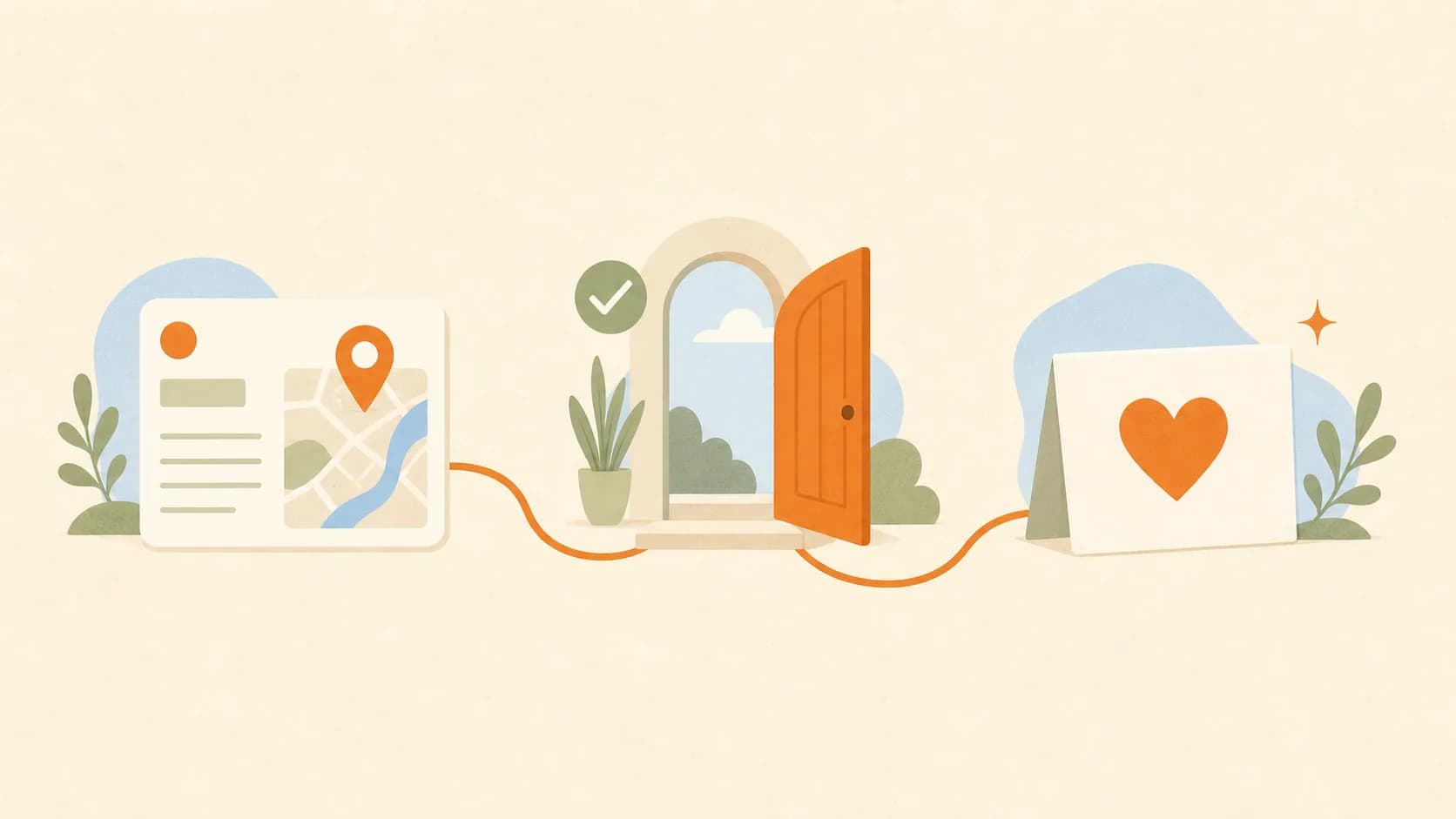
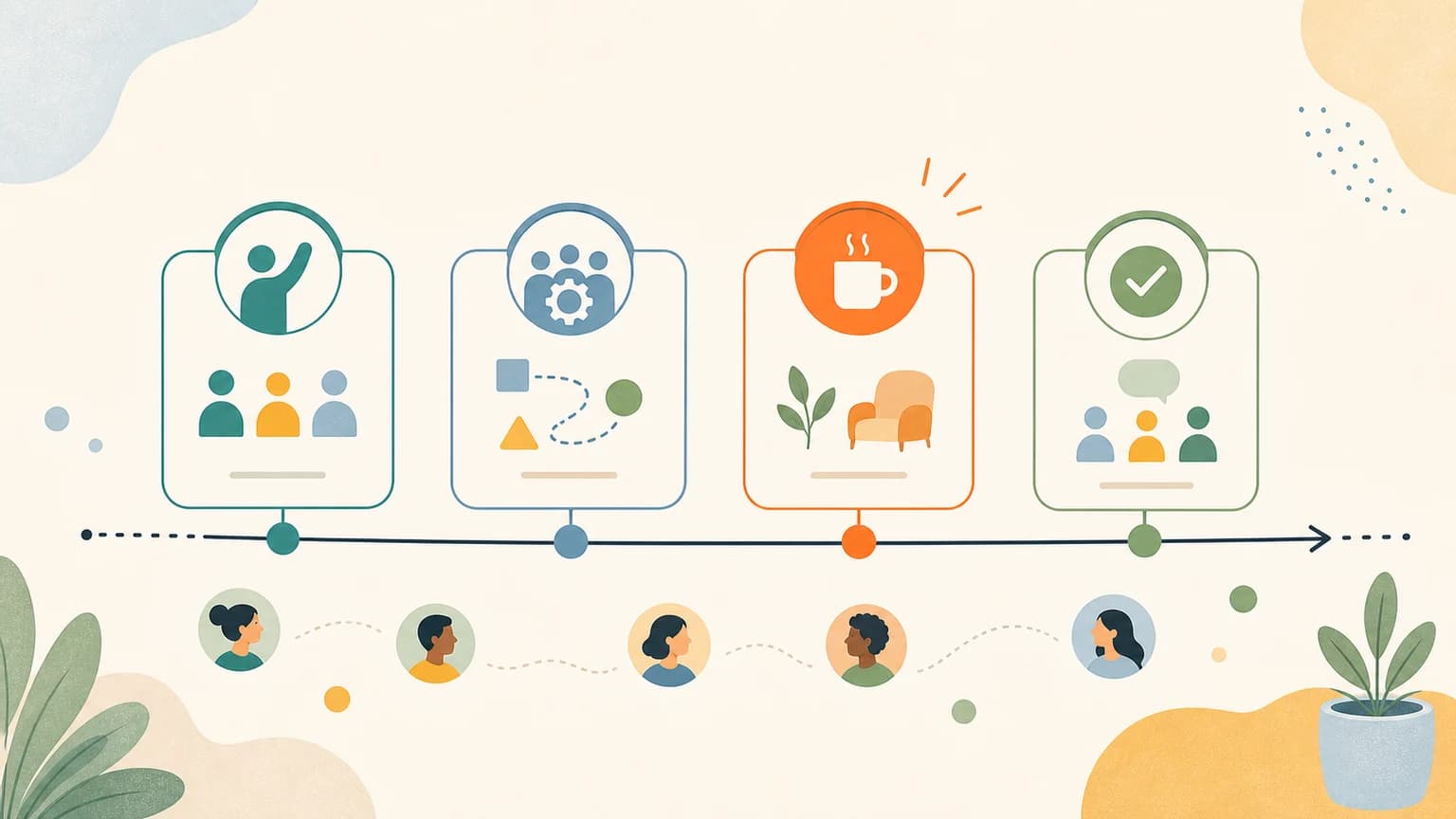
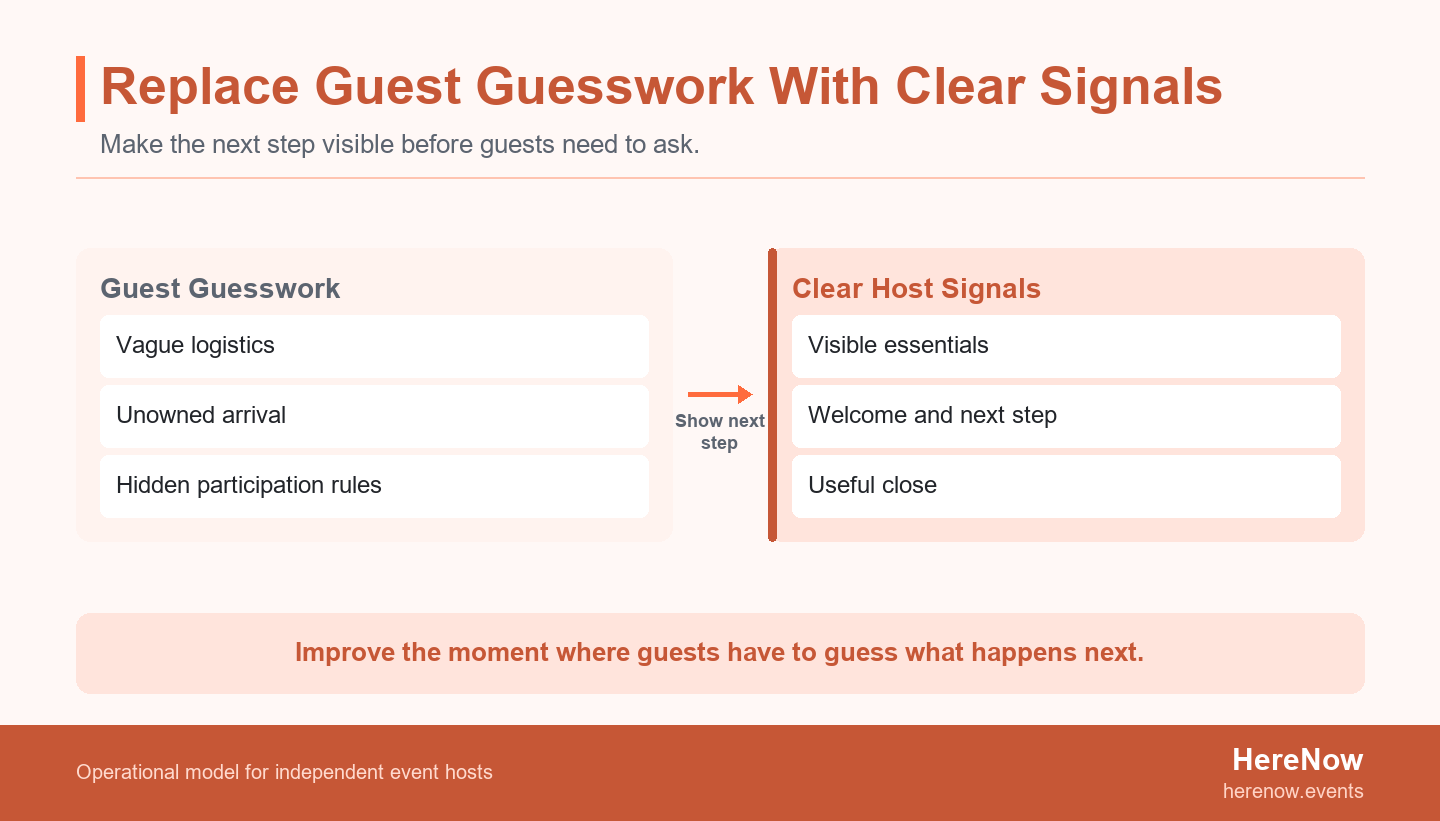
Attendee experience improves when guests know what they are saying yes to, can find their footing when they arrive, have a real way to participate, and leave with the current event properly completed. That does not require a bigger production budget. It requires the host to remove the most important unanswered question at each stage: before the event, in the room, and after the last goodbye.
Key Takeaways
- Define a good experience as clear information, easy navigation, meaningful participation, and a useful close.
- Publish the details that help guests decide and arrive calmly before asking them to RSVP.
- Treat arrival as part of the hosted experience, with a visible welcome and an immediate next step.
- Give guests more than one comfortable way to participate, especially when they are new or arriving alone.
- Close the current event with the promised resource, recap, or instruction before making a future invitation.
Set a Clear Experience Standard
“Make it memorable” is a pleasant ambition, but it is not a useful operating instruction. A host needs a standard that can be checked in the event page, at the door, and in the final message. For a small workshop, dinner, club, walk, or class, a practical standard is simple: can a guest understand what is happening, navigate the next moment, take part in a way that feels possible, and leave knowing what has been completed?
That standard keeps the work grounded. In a recreational activity context, research on experience quality, perceived value, satisfaction, and behavioral intentions points to the importance of how people experience the activity itself. It does not give a universal score for every event. It does suggest a better question than “How can we add more?”: “Where does a guest currently have to guess?” A guest who is unsure where to enter, whether they belong, when they may speak, or what happens after the session is spending attention on uncertainty instead of the event.
Start by writing four short answers: What should a first-time guest know before they leave home? What should they see in the first two minutes? What is one easy way to join in? What should they receive or understand after the event? The answer can be modest. A clear entrance photo, a host greeting, a printed prompt, or a promised notes email may matter more than an extra decoration. For more host-level decisions that build on this standard, browse the Host Playbooks. HereNow applies the same principle to the public event page: give an independent host a clear place to explain the event before the room opens.
Before the Event: Replace Guesswork With Useful Information
Guests begin the experience when they first encounter the invitation, not when the agenda begins. The public page and confirmation message need to reduce practical uncertainty without overwhelming people. Name the event outcome, time zone, address or joining instructions, expected duration, price or RSVP terms, what to bring, and the easiest way to get help. City guidance for event organizers includes communicating relevant arrangements to attendees, including how people arrive and leave, which is a useful reminder that logistics are part of the offer, not an afterthought. Read the City of Edinburgh's guidance for event organisers as an example of the breadth of information an event plan may need to cover.
Answer the questions a hesitant guest is already asking
A new guest is usually making a small risk calculation. Will I know where to go? Is this really for someone at my level? Can I arrive five minutes late? Do I need materials, special clothing, a laptop, cash, or a ticket? Will I be expected to introduce myself? Do not hide these answers in a charming paragraph. Put them in clear labels and short sections that can be scanned from a phone. When a detail is uncertain, say when it will be confirmed instead of implying certainty. For example, “Exact room number will be sent by 10 a.m. on the day” is more reassuring than a vague promise that details are coming soon.
Plan access before a guest has to negotiate for it
Access is not a special feature added after the main plan. It affects who can use the information, reach the venue, stay comfortable, and participate. The W3C guidance on accessible presentations and events covers understandable content, venue access, and inviting participants to share access requirements. For a small host, that can become plain page details: step-free entrance or stairs, seating, lighting, sound level, restroom access, scent or food conditions, online captions, and a contact route for questions. Do not ask for personal information you cannot use. Ask one practical question, then make a real effort to adjust the experience or explain the limit early.
| Guest moment | Useful signal | What it prevents |
|---|---|---|
| Before RSVP | Outcome, format, time, location, and who it is for | Signing up for the wrong expectation |
| Before leaving home | Arrival route, entry point, what to bring, and contact details | Last-minute confusion and avoidable late arrivals |
| Before joining | Access details and a simple accommodation question | Guests carrying the burden of guessing whether they can participate |
During the Event: Make Arrival and Participation Feel Easy
The room does not need to be perfectly polished. It does need to make the first few minutes easy. Arrival, circulation, and departure are separate crowd-movement phases in UK Health and Safety Executive guidance on crowd management controls. The scale is different for a ten-person class, but the operating lesson holds: decide where people enter, where they wait, where they put belongings, and what they should do next. One named person can own this, even when that person is also the host.
Give every arrival a welcome and a next step
Do not make early guests wonder whether they are in the correct place or whether they are interrupting setup. A sign with the event name, a visible host, and one sentence of orientation can do a lot of work: “You are in the right place. Please take a name tag, choose any seat, and we will begin at 6:30.” If the host is busy with an urgent task, appoint a friend, venue contact, or returning guest to greet people. Dover District Council's guidance on communication at an event emphasizes clear language, readable information, and responsibility. Those are useful small-event habits, too. The guest should not have to search the room for permission to be there.
Offer participation choices instead of one social script
Some guests arrive ready to talk. Others need time, a task, or a quieter way to join. Name more than one route into the session: pair discussion, written prompt, hands-on activity, optional share-out, small group, or a chance to observe before speaking. Research on remote meeting inclusiveness and effectiveness is not direct evidence for every in-person event, but it is a useful bounded reminder that agendas and communication practices shape whether people feel able to contribute. In a live room, say what participation looks like before asking for it. “You can share, write a note, or pass” is often enough to lower the pressure without weakening the activity.
Build transitions into the run sheet. At the end of each block, say what has just happened, what comes next, how long it will take, and whether guests need to move, choose, or rest. This is especially helpful in mixed-experience groups. An 18-person evening printmaking session, for example, can open with a five-minute welcome, a visual safety demo, two work tables, and a quiet sample station for people who prefer to observe first. The host does not need to make everyone equally outgoing. The job is to make each next action understandable. That is also the kind of repeatable public-page and RSVP workflow described by HereNow for independent hosts.
After the Event: Finish the Current Experience First
The final experience is not the final slide or the last photo. It is the moment when guests decide whether the event delivered what was promised and whether they know what to do with it. End with a clear close: summarize what happened, name any resource that will follow, explain cleanup or departure, and thank people without rushing them into the next offer. A useful close is particularly important when a guest tried something new, came alone, or had to work around an access need.
Send the value you said you would send
If the page promised a recipe, reading list, slides, photo album, recording, or next-step prompt, send it when you said you would. Do not make a future event pitch the first thing a guest receives after giving you their time. Bradford Council's event planning guidance treats communication as something considered before, during, and after an event. That lifecycle is a good host discipline. A short message can contain thanks, the promised resource, one practical note, an arrival-related clarification if it helps, and an optional way to stay informed about a truly related future event.
Run a ten-minute host debrief while the room is still fresh
Write down what guests asked repeatedly, where people hesitated, which transition took longer than expected, and what made the room feel open or closed. The HSE overview of managing an event includes planning, coordination, monitoring, and review. For a small host, review can be compact: one note to keep, one issue to fix, and one detail to clarify on the next page. This is not a formal audit or a promise that every guest will return. It is a way to make the second event more considerate than the first.
Turn the Journey Into a Better Event Page
A good event page is part of the attendee experience because it lets a guest answer important questions before they have to ask a stranger. Review it as someone seeing the event for the first time, on a phone, with no inside knowledge. Can they tell what the experience is, who it is for, where to enter, what to bring, how long it lasts, what access conditions matter, and what happens after an RSVP? If the answer is hidden, that uncertainty moves into messages, late arrivals, or quiet discomfort in the room.
Use headings for the details that change a decision: “What we will do,” “Who it is for,” “Before you arrive,” “Access and comfort,” and “What happens next.” The page does not need every operational note from the host run sheet. It needs the information a guest must use. HereNow can give an independent host a public event page and RSVP path; before sharing, use the Help Center guide to preview and publish an event page so the practical details are checked in one place.
Use one first-time guest scan before publishing
Read the page once without relying on your memory. Circle every sentence that only makes sense to a returning guest, friend, or venue regular. Replace “Meet us at the studio” with the street entrance, floor, and arrival note. Replace “We will make it cozy” with the actual seating, duration, and sound conditions. Replace “All levels welcome” with what a beginner can comfortably do. Then check that the RSVP confirmation repeats the time, location, and one action a guest should take before arrival. The aim is not to write more copy. It is to make the right details easy to find.
Build the Next Page Around the Guest Journey
Choose one event you plan to host soon and improve only the most uncertain moment. If guests often ask where to go, strengthen the arrival details. If newcomers stay silent, add a low-pressure participation option. If people leave unsure what happened next, tighten the close and follow-up. Then reflect that decision in the public page, confirmation, and run sheet so the guest receives the same signal at every stage.
Before you build, write one sentence for the page that names the event, the guest outcome, the arrival instruction, and the final take-home value. That sentence makes it easier to check whether the page, confirmation, and room script agree.
HereNow is designed for that practical sequence: turn a rough idea into an editable, shareable event page, then refine the information guests need before you publish. Start your event page with HereNow.
FAQ
What matters most for attendee experience at a small event?
Start with clarity about the next guest decision, because small events feel considered when people know what will happen without chasing information. Guests should know what the event is, whether it is for them, how to arrive, what they can do when they get there, and what happens after it ends. Improve the most confusing moment first instead of trying to upgrade every detail at once.
How do I make an event welcoming for people who come alone?
Make arrival low-pressure and give people a role that does not depend on already knowing someone before the activity begins. A visible welcome, a clear place to sit or stand, a simple opening prompt, and an option to join a pair or observe briefly can help. Avoid forcing introductions before guests know the room. The goal is not to make everyone highly social. It is to make joining possible without needing a companion.
Should I ask attendees about accessibility needs before they RSVP?
Share the access details you already know on the event page, then offer a simple route for practical questions or requests. Ask only for information you can use to improve the event or explain a real limit. Requirements vary by venue and location, so this is not legal advice. Early, specific information is still better than leaving guests to guess whether the space and format will work for them.
What should I send after an event ends?
Start by sending a short thank-you, the resource you promised, and one clear next step that completes the current event. That might be a recap, slides, photos, a recipe, a reading list, or the date when a related event will be announced. Keep future invitations optional and relevant. The follow-up should complete the current experience first, rather than treating every attendee as an automatic audience for unrelated announcements.