How to Send Event Reminders People Actually Read
A reminder messaging guide for timing, subject lines, day-of details, and guest expectations that help people actually show up.
Event reminders get read when they help a registered guest complete the next practical task: confirm the plan, prepare correctly, arrive at the right place, and handle changes calmly. A reminder is not a second sales pitch after someone has already registered; it is part of the guest experience.
Key Takeaways
- Use reminders to support registered guests, not to pressure them.
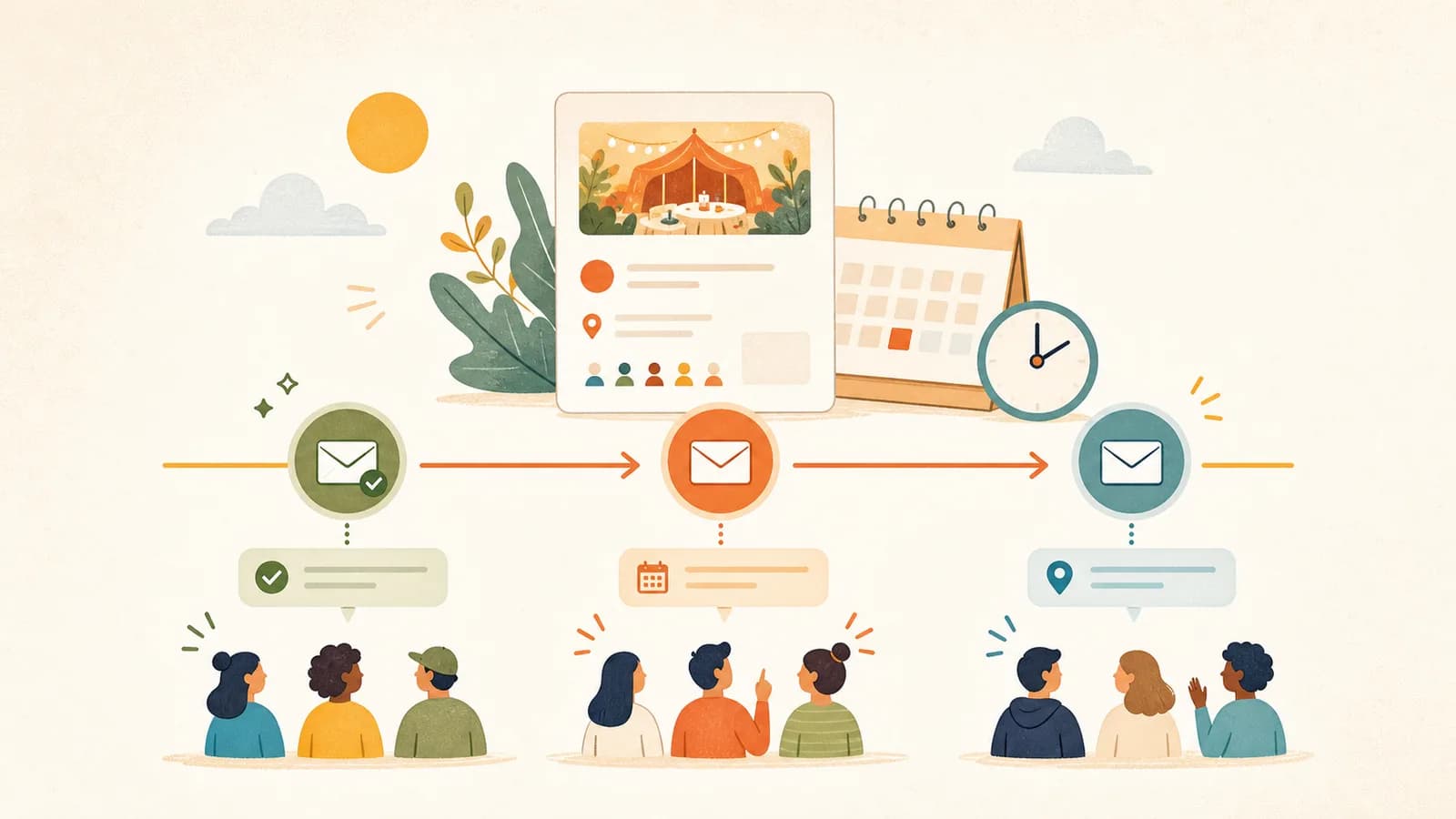
- Send reminders around real moments: confirmation, planning, 24-hour recall, day-of arrival, and changes.
- Keep each reminder focused on one job and one next action.
- Put date, time, location, preparation, and change details where they are easy to scan.
- Match reminder frequency to event complexity; simple events need fewer reminders.
- Respect permission, channel expectations, and email compliance rules.
Treat Reminders as Guest Support, Not Promotion
The reminder's purpose changes after registration. Before registration, the host needs to explain why the event is worth attending. After registration, the host needs to help the guest attend successfully. That difference should change the message structure, tone, and timing.
Nielsen Norman Group's article on transactional notifications is useful because it frames notifications around user tasks. For events, the task is concrete: remember the event, know what to bring, find the location or link, and understand what changed if something changes.
Write for the guest's next task
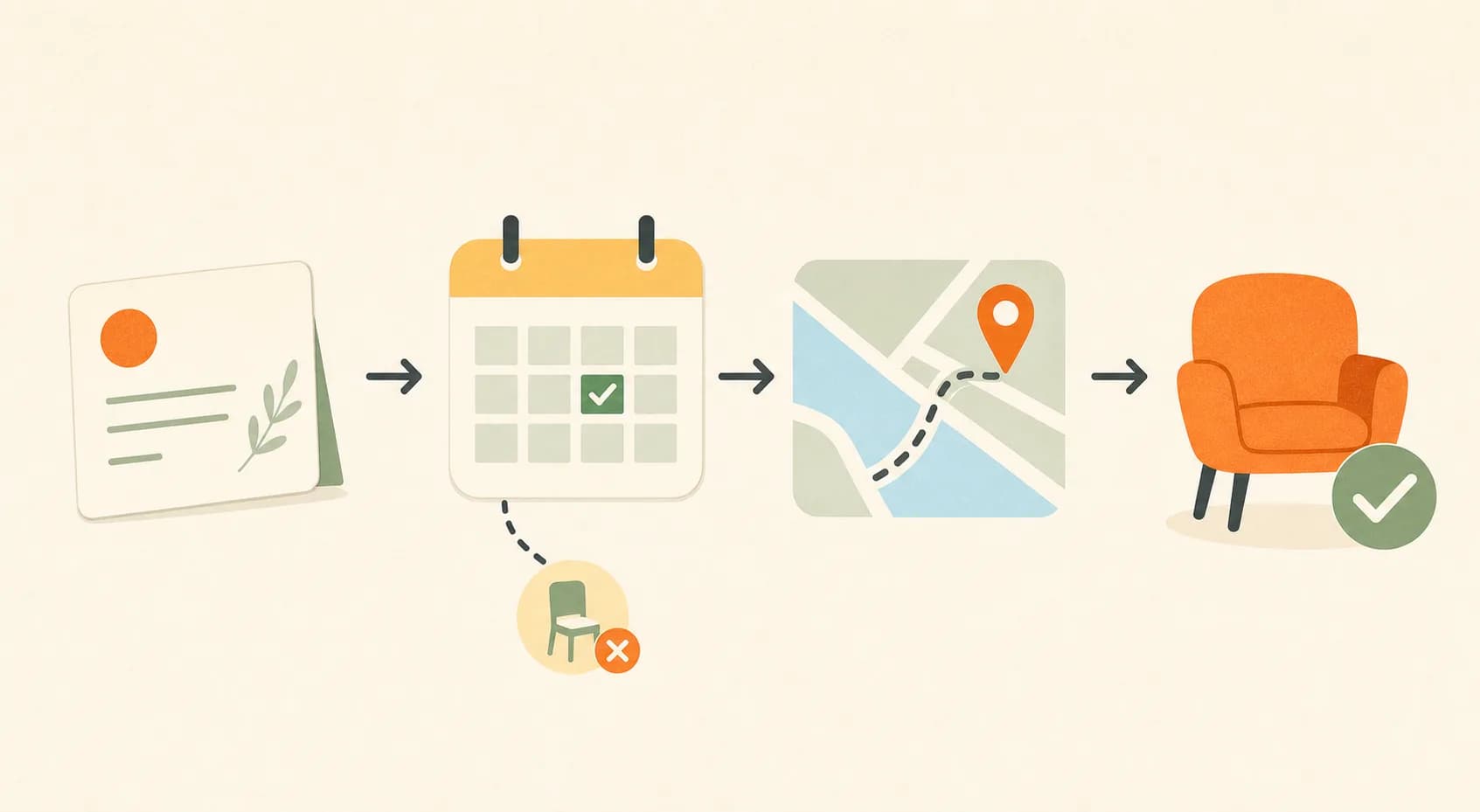
A confirmation reminder helps the guest trust that their spot is saved. A planning reminder helps them prepare. A 24-hour reminder helps them remember. A day-of message helps them arrive. A change notice helps them adapt. When a reminder tries to do all of those jobs at once, the important detail becomes harder to find.
Keep promotional content out of operational reminders
Once someone has registered, avoid turning every reminder into a sales opportunity. A small note about a relevant add-on may be appropriate in some contexts, but it should not obscure arrival details or preparation instructions. Guests who feel well-supported are more likely to trust the host again. Guests who feel marketed to after registering may ignore the next message, including the one that contains important logistics.
Use a Reminder Timeline Based on Event Complexity
There is no universal number of reminders. A simple informal meetup may need a confirmation and a 24-hour reminder. A paid workshop with materials may need preparation details several days earlier. An outdoor event may need a weather check. An online session may need a join link and time zone clarity.
Google's guidance on helpful content is a useful principle here: provide information that helps the person complete the task. More messages are not automatically more helpful; better-timed messages are.
Use the four-message default when preparation matters
| Timing | Purpose | Include |
|---|---|---|
| Immediately after registration | Confirm the spot and set expectations. | Date, time, location, event page link, and what happens next. |
| 3-5 days before | Help guests prepare. | What to bring, what is provided, access notes, and special requirements. |
| 24 hours before | Bring the event back to attention. | Short reminder, arrival time, location, and final preparation. |
| Day of event | Reduce arrival confusion. | Exact entrance, room, online link, weather note, or contact path. |
Use fewer reminders for low-friction events
If the event is a casual coffee meetup with no materials, no payment, and an easy location, a confirmation plus one 24-hour reminder may be enough. Too many messages can train guests to ignore you. The useful test is simple: would this reminder help the guest do something they could not confidently do from the event page alone? If not, skip it or combine it with a more useful message.
Confirmation Reminder Template
The confirmation message should arrive immediately after registration or purchase. It reassures the guest, gives the core logistics, and points back to the event page. It should not be long.
Template
Subject or opening line: You're confirmed for [event name]
Hi [name],
You're confirmed for [event name] on [date] at [time].
Location: [address or online link]
What to expect: [one sentence about the experience]
What to bring: [short list or "nothing needed"]
If anything changes, we'll let you know. You can review the event details here: [event link]
See you soon,
[host name]
Why this template works
The confirmation does three things in order: confirms the spot, names the logistics, and gives a fallback link. It does not ask the guest to make another decision. If the event is paid, include payment confirmation only if your payment system does not already send a receipt. If the event is free, do not make the confirmation feel less important; free guests still need to know their spot is real.
Planning Reminder Template
The planning reminder is useful when guests need to prepare before the day of the event. Workshops, meals, outdoor events, classes, and venue-based gatherings often need this message because arrival success depends on more than remembering the date.
Template
Subject or opening line: A few notes before [event name]
Hi [name],
[Event name] is coming up on [date]. Here are the details to help you prepare:
- Arrival: [time or window]
- Location: [address, entrance, room, or online link]
- Bring: [items]
- Provided: [materials, food, tools, handouts, or support]
- Good to know: [parking, transit, weather, accessibility, or skill level note]
Full details are here: [event link]
See you soon,
[host name]
Put the preparation detail before the friendly note
Warmth matters, but the guest opened the reminder for logistics. Nielsen Norman Group's research on how people read on the web supports a practical rule: make the scannable details visible before softer copy. Put arrival, location, bring, provided, and good-to-know details in bullets. Then add any friendly sentence below them.
24-Hour Reminder Template
The 24-hour reminder should be short. At this point, most guests do not need another explanation of the event's value. They need the date, time, location, and one preparation cue.
Template
Subject or opening line: Tomorrow: [event name]
Hi [name], quick reminder that [event name] is tomorrow at [time].
Location: [address or online link]
Please arrive [arrival note]. [Bring item / nothing to bring.]
Event details: [link]
See you tomorrow,
[host name]
Use a subject line that identifies the event
Nielsen Norman Group's article on email subject lines is directly relevant here. A reminder subject line should help the guest recognize the event without opening the message. "Tomorrow: Sunrise walk at 8:30" is stronger than "Reminder" because the time and event are visible immediately.
Day-Of Arrival Reminder Template
Send a day-of reminder only when it reduces arrival confusion. It is useful for hard-to-find venues, online sessions, outdoor meeting points, room changes, door codes, weather adjustments, or strict start times.
Template
Hi [name], [event name] is today at [time].
Go to: [exact address, entrance, room, or online link]
Arrival note: [door code, host name, reception desk, parking, weather, or call time]
If you need help finding us, contact [contact method].
Keep day-of messages calm and practical
The day-of message should not introduce new complexity unless something changed. If a guest is already on the way, the most useful information is precise: entrance, room, link, weather, or contact. If the event has an online component, make the join link easy to copy and avoid burying it under a long greeting.
Change or Cancellation Update Template
A change notice should be separate from a normal reminder. Time, location, cancellation, weather, access, and online-link changes can affect whether someone can attend. Put the change at the top so guests do not miss it.
Template
Subject or opening line: Update for [event name]: [changed detail]
Hi [name],
There is an update for [event name].
- Changed detail: [new time, location, link, cancellation, weather plan, or access note]
- What you need to do: [specific action, if any]
- What stays the same: [date, format, ticket, materials, or other stable detail]
The event page has been updated here: [event link]
Thank you for understanding,
[host name]
Do not hide the changed detail inside a friendly paragraph
When a detail changes, clarity is kinder than softness. Explain the change, name the action, and update the event page. If the change is significant, send through the channel guests are most likely to see. If the message has a commercial or promotional component, check rules that apply to your location and audience. For U.S. commercial email context, the FTC's CAN-SPAM Act compliance guide is a useful starting point, though it is not global legal advice.
Match Reminders to the Event Type
Different events create different reminder needs. A dinner reminder should not look like an online workshop reminder. A walk needs weather and meeting-point clarity. A class needs preparation and materials. A networking event needs room expectations.
Use event type to choose the emphasis
| Event type | Reminder priority | Useful detail |
|---|---|---|
| Workshop or class | Preparation and materials. | What is provided, what to bring, skill level, and arrival time. |
| Dinner or tasting | Timing, dietary details, and seating. | Arrival window, menu notes, address, and any late-arrival expectation. |
| Outdoor event | Weather and meeting point. | Backup plan, clothing, exact meeting spot, and day-of contact path. |
| Online session | Access link and setup. | Join link, time zone, recommended device, and replay expectation. |
| Networking or community meetup | Room expectations. | Format, arrival flow, name tags, introductions, and who the event is for. |
Use push-style urgency only for time-sensitive information
If you use SMS, app push, or chat reminders, keep them even shorter than email. Nielsen Norman Group's article on push notifications emphasizes relevance and timing. For events, that means using short-channel reminders for time-sensitive details such as "door is on the east side," "weather backup is active," or "join link starts in 10 minutes," not for repeating the full event pitch.
Make Reminder Messages Easy to Scan
Reminders are often read between tasks. The structure should help the guest find the detail they need without rereading the whole message. Use predictable order: event name, date/time, location/link, preparation, change, contact.
Use specific subject lines
| Moment | Clear subject line |
|---|---|
| Confirmation | You're confirmed for Beginner Pasta Night |
| Planning reminder | What to bring for Saturday's pottery workshop |
| 24-hour reminder | Tomorrow: Sunrise community walk at 8:30 |
| Day-of arrival | Today: Studio entrance details for sketch night |
| Change update | Location update for tonight's tasting |
Leave out anything that does not help attendance
Remove long backstory, unrelated event promotion, multiple calls to action, and new terms that were not visible at registration. Nielsen Norman Group's article on newsletters is useful because it reinforces relevance: people pay attention when messages match what they expect to receive. Registered guests expect operational help first.
Check the Reminder Before Sending
A reminder is ready when a busy guest can understand the event state in one scan. Read the message once as if you were standing on a sidewalk, between meetings, or checking your phone before leaving home. If the essential detail is not visible quickly, the reminder is too decorative.
Use the five-detail scan test
Every reminder should make five details easy to find when they matter: event name, date and time, location or join link, preparation or arrival note, and change detail if something changed. Not every reminder needs all five, but the ones that matter should not be hidden. For example, a day-of arrival note needs the entrance or link more than another warm paragraph. A planning reminder needs what to bring more than a long restatement of why the event is exciting.
Keep one owner for the source of truth
When reminders, social posts, and event pages disagree, guests do not know which one to trust. Keep the event page as the source of truth, then make every reminder point back to it. If a time, venue, access link, or preparation detail changes, update the page first and then send the reminder. This keeps the reminder short and gives guests one place to verify details if they forward the message, search their inbox, or reopen the link later.
Build the Event Page Before Sending Reminders
The event page should be the source of truth for reminders. If the page contains the date, time, location, agenda, preparation details, capacity, and FAQ, reminders can stay short. If the page is thin, reminders become overloaded because every message has to re-explain the event.
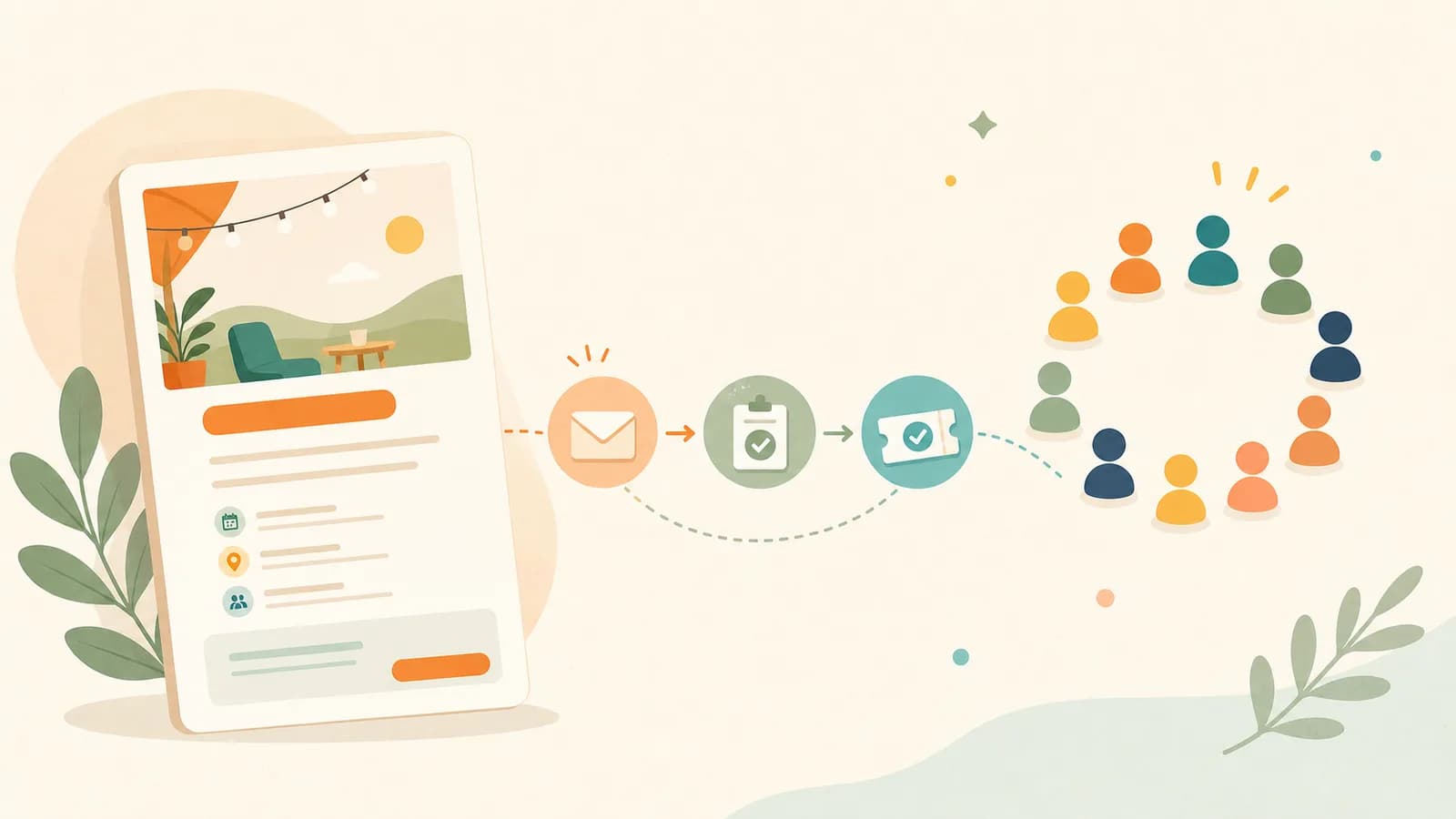
You can create an event page in HereNow and keep the public details in one place. Before reminders go out, review how to create an event agenda, what to include before someone buys, and event invitation message examples. The invitation earns the registration; the reminder protects the attendance experience.
FAQ
How many event reminders should I send?
For many small events, a confirmation message, a 3-5 day planning reminder, and a 24-hour reminder are enough. Add a day-of arrival note only when it helps guests find the location, join online, or prepare correctly.
What should an event reminder include?
Include the event name, date, time, location or link, arrival note, what to bring, and a link back to the event page. If something changed, put that change near the top instead of burying it in a friendly paragraph.
When should I send the final reminder?
A 24-hour reminder usually gives guests enough time to adjust plans. For events with travel, materials, weather concerns, or strict arrival windows, send preparation details earlier and keep the final reminder short.
Should reminders include another sales pitch?
Usually no. Once someone has registered, reminders should help them attend. If there is a relevant add-on or update, keep it secondary and make sure it does not distract from the event details.
What if an event detail changes after reminders are sent?
Send a separate update with the changed detail at the top, explain what guests need to do, and update the event page. Time, location, cancellation, access, and online-link changes should never be hidden inside a normal reminder.