Event Confirmation Email: Examples and What to Include
See event confirmation email examples for confirmed, pending, and waitlisted guests, plus the date, location, and next steps every message should include.
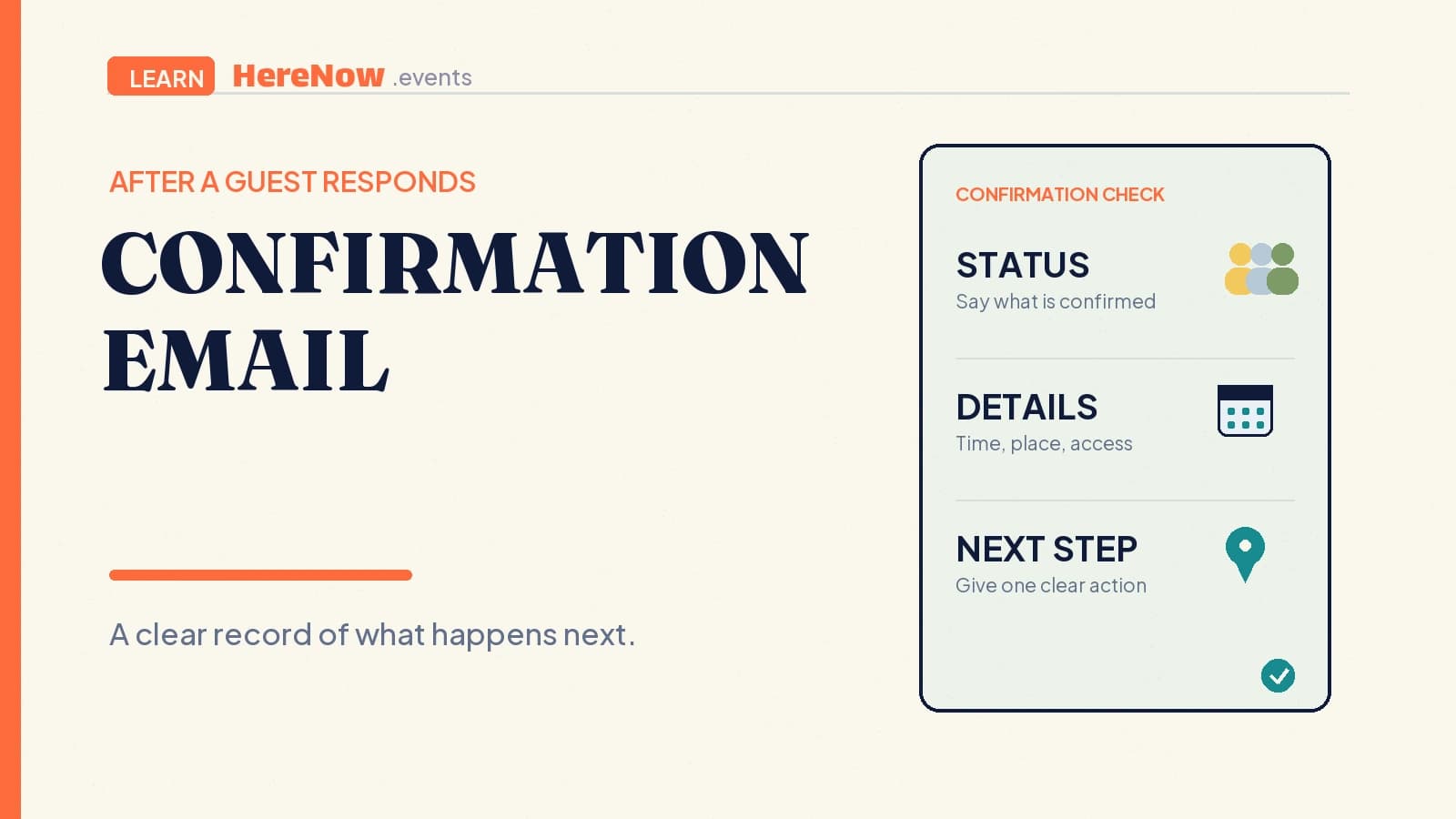
An event confirmation email is the message a guest receives after taking an event action, such as registering, RSVPing, joining a waitlist, or submitting a request for approval. Its job is to state what happened, preserve the essential event details, and tell the guest what happens next. It is the guest’s written record, not just a friendly thank-you.
Event confirmation email examples by registration status
The following examples show how the first lines change with the guest's status. Add the real date, time zone, location or access instructions, and host contact before sending.
Confirmed place
Subject: You're confirmed for Beginner Pottery Workshop
Hi Alex, your place at Beginner Pottery Workshop is confirmed for Saturday 7 November, 10 am–noon, London time. Please arrive at the studio's main entrance ten minutes early. Materials are included. Keep this email, add the session to your calendar, and contact your host if you can no longer attend.
Pending approval
Subject: We received your workshop registration request
Hi Alex, we received your request to join Beginner Pottery Workshop. Your place is not confirmed yet. Your host will review the request and send a separate decision; please wait for confirmation before making travel plans.
Waitlisted
Subject: You're on the Beginner Pottery Workshop waitlist
Hi Alex, the workshop is currently full and you have joined the waitlist. You do not have a confirmed place. Your host will contact you if a place becomes available and explain any next step needed to claim it.
Start with an editable event template so the agenda, guest information, and registration details have one home. A confirmation should reflect the registration result, never promise an unapproved place.
The short answer
- A confirmation email records a status. It tells the guest whether they are confirmed, pending, waitlisted, cancelled, or need to take another step.
- It repeats essential logistics. The guest should be able to find the event name, date, time, location or access method, and host contact.
- It gives the next action. That may be add it to a calendar, save a joining link, reply to a question, or simply wait for a later update.
- It should match the event page. A guest must not find one date in the email and another on the public page.
A useful confirmation turns a completed form into a known outcome. It removes the question, “Did my registration work?” and replaces it with a clear, accurate record a guest can return to later.
A confirmation email records what happened
Send a confirmation after the host can truthfully state the result. For an open event, that can be immediately after registration. For an approval-based event, say the request was received and a decision will follow. For a full event, confirm only that the guest joined a waitlist.
Name the status directly. “You are confirmed” and “Your place is pending host approval” mean different things. The W3C advises that people need concise, clear feedback about whether a form submission succeeded or produced an error, and that success messages confirm task completion. Its form-notification guidance supports the same standard for an event email: say what the action achieved.
An on-screen success message tells the guest immediately that the form was received; the email gives them a record they can search for later. If delivery fails, the page should still state their current status and a way to contact the host.
What the email must make easy to find
Put the status, event name, date, start time, time zone when relevant, location or access method, host contact, and next action near the top. Include a ticket, booking reference, receipt, cancellation deadline, or access information only when relevant, and keep each item easy to distinguish.
Michigan State University’s event-services guidance recommends that registration confirmations include at least the event date, time, and location, with additional details such as parking, attire, items to bring, or relevant deadlines when needed. That confirmation-message checklist is a useful test for an independent host: include information because it helps a guest prepare, not because a template has empty space.
Keep the event permalink in the message when it is useful as the complete, stable reference. If you later change a material detail, send an update rather than editing the page silently and hoping guests notice.
Match the status to the guest’s real place
Confirmation does not always mean confirmed attendance. Use the status that matches the process:
- Confirmed: the guest has a place and can prepare to attend.
- Pending: the host received the request but will review it before offering a place.
- Waitlisted: the event is full; the guest has expressed interest but does not have a place yet.
- Cancelled: the host has recorded that the guest will not attend, or the event itself will not go ahead.
Write the status in the subject line or first sentence whenever a guest could mistake it for another one. “Waitlist confirmed” can confuse people because it sounds like a confirmed seat; “You’re on the waitlist for Friday’s workshop” is clearer. The event’s visibility may shape who can discover it, but it does not change the need to tell each person their actual attendance status.
The three-sentence test
Before sending, read only the first three sentences. Can a guest tell what action was received, whether they have a place, and what they should do next? If not, rewrite the opening. A strong confirmation might begin: “You’re confirmed for Sunday’s sketching walk. We’ll meet at 10:00 a.m. at the east gate of Riverside Park. Save this email and reply by Friday if you can no longer attend.” Everything else can follow, but those three facts should never require hunting through an email.
Example: an online illustration workshop
A host offers a 15-person online illustration workshop. A guest submits the form and receives: “You’re confirmed for Drawing Everyday Objects on Tuesday, 18:00–19:30 UTC. Your personal joining link is below. Please do not share it. Have pencil and paper ready, and reply to this email if you need access support.”
That email confirms the place, gives the time zone, explains how to join, and states the one preparation step. For registration-based online events, a confirmation email can function as the guest’s access record. Florida Atlantic University’s Zoom-event guidance describes a confirmation email containing a unique join link and warns that it is tied to the person who registered. A host should likewise make clear whether a link is personal, public, or will arrive later.
What happens after the confirmation
A confirmation is the starting record, not every message the guest will receive. Later communication can include an update if details change, a practical reminder close to the event, or a cancellation acknowledgement. Each message should build on the stated status rather than contradict it.
Some guests may save a confirmation to a calendar. Google Calendar can recognize registration confirmations or tickets in Gmail and show details such as an address, reference number, and a link back to the source email, depending on a person’s settings. Google’s documentation is a useful reason to keep event basics accurate and easy to parse, but guests should not be required to use a particular calendar to understand their place. When you are ready to publish one reliable event record, create an event in HereNow and make the page, confirmation, and any later update agree.
FAQ
Is an event confirmation email the same as a ticket?
Sometimes, but not always. A ticket usually represents admission or a purchase and may contain a code or scannable element. A confirmation email is broader: it records the outcome of an RSVP, registration, request, payment, cancellation, or waitlist action. A free community event may need a confirmation without issuing any ticket at all.
Should a confirmation email include a calendar link?
It can be useful when it gives guests a convenient way to save the time, especially for events with a fixed start. The email should still state the date, time zone, and location itself. A calendar link is a helpful extra, not a replacement for readable event details or a clear attendance status.
What if a guest says they never received the confirmation?
First confirm the email address and ask them to check spam or filtered folders. Then resend the message if appropriate, without changing the stated status. Make sure the event page shows the core information too, and provide a host contact route so guests can resolve a missing message before the event without guessing whether their registration went through.