What is a custom registration question?
A custom registration question is an event-specific form field. Learn what to ask, which format to use, and how to keep sign-up useful without making it feel like a survey.
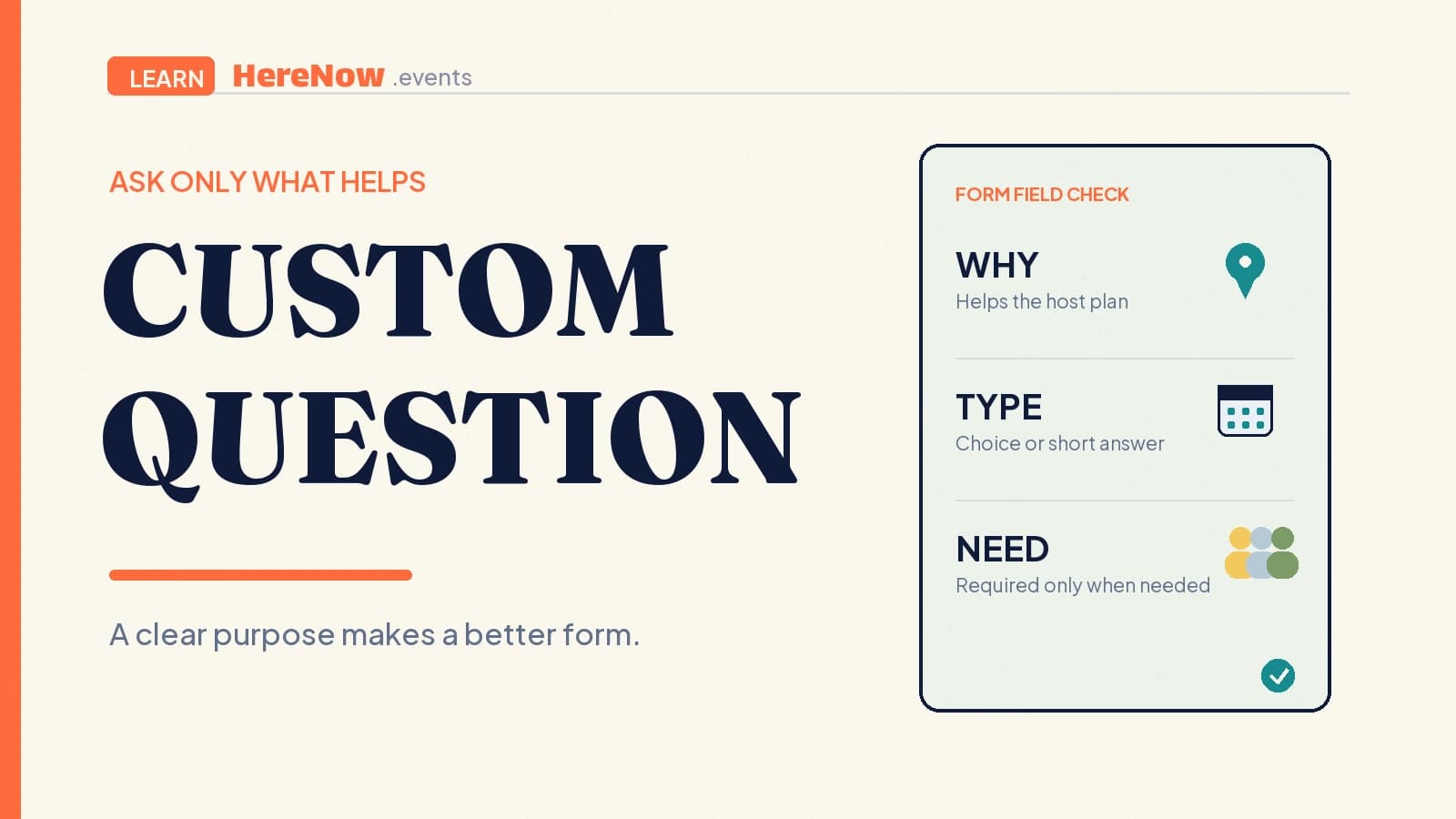
A custom registration question is an extra field a host adds to an event sign-up form to collect one piece of information that the standard name-and-email fields do not cover. It might ask about a dietary need, a preferred workshop time, a guest’s experience level, or whether they can bring an item. The best question has one clear purpose: it helps the host make the event easier, safer, or more welcoming to run.
The short answer
Custom questions turn a generic registration into a form that fits a particular gathering. Before adding one, make four small decisions:
- Purpose: Name the hosting decision the answer will change.
- Format: Use a choice when the likely answers are known; use short text only when guests need room to explain.
- Requirement: Mark it required only when you truly need an answer before confirming someone.
- Follow-through: Be ready to read and use the answer, rather than collecting it “just in case.”
A question such as “Which session would you like to join?” can shape room setup. “Anything we should know to make your arrival easier?” can surface practical access needs. By contrast, a broad question with no stated use can make registration feel intrusive or like extra work.
What makes a registration question custom?
Custom means the host chooses the question for this event, rather than relying only on the form’s basic contact fields. The field can be open-ended or structured. For instance, the University of North Carolina Asheville describes custom registration questions as short answer, single answer, or multiple answer fields; the organizer also decides whether each question is required. Its registration guidance is a useful plain-language example of the choices behind one extra field.
Questions should serve the event—not turn a simple RSVP into a survey. A pottery workshop may need “Have you used a wheel before?” A community supper club may need “Vegetarian, vegan, or no preference?” A walking group may ask “Would you like a low-pace or regular-pace route?” The answer should let the host adjust a real part of the experience.
Ask questions that change how you host
A reliable test is to finish this sentence before you write the field: “I need this answer because I will ______.” If you cannot complete the sentence with a concrete action, remove the question or make it optional.
- Plan the right amount: Ask for a meal choice when you will place a food order, or a preferred session when space is split across time slots.
- Prepare the experience: Ask about a relevant skill level when it changes instructions, group size, or materials for a class.
- Support a smooth arrival: Invite relevant access or arrival information when you can use it to prepare a clearer welcome.
Avoid questions that only satisfy curiosity. The UK Information Commissioner’s Office describes data minimisation as collecting information that is adequate, relevant, and limited to what is necessary for a stated purpose. That is a helpful design lens even when a small host is simply trying to build trust: read the ICO’s data-minimisation guidance before treating extra personal information as harmless.
Choose a format that lowers friction
Use the smallest input that produces a useful answer. A dropdown or single-choice option is quick to scan and easy to sort later. A yes/no question is good for a clear agreement or offer. Short text works for a concise detail; a longer response field suits a question where guests genuinely need more context.
University of California San Diego’s event-registration guide makes the same practical distinction: an added attendee question can be a short open field or a single-select, multiple-choice dropdown. See its registration setup example for why the input type belongs to the question, not to a host’s preference for collecting more text.
Write the label, reason, and requirement together
A guest should understand what to enter, why it is useful, and whether they may skip it without guessing. Write “Dietary preference for the shared dinner (optional)” instead of “Notes.” Write “Which language would you like to practise? Choose one” instead of “Language.” If a field is required, say so visibly and explain the consequence only when helpful. The W3C form-instructions tutorial recommends clear labels and instructions for required or optional input, expected formats, and other relevant details. Placeholder text alone is not a dependable label because it can disappear as a guest types.
Example: a neighborhood language exchange
Rina is hosting a 14-person neighborhood language exchange. Her public event page already explains the time, café, and beginner-friendly format. She needs two details to set up conversation tables, so her form asks:
- “Which language would you most like to practise?” with a single-choice list.
- “What is your comfort level speaking it?” with the options New, Basic conversation, and Confident.
Both questions are required because Rina will use every answer to make pairs and prompts. She does not ask for a biography, social profile, or a list of interests; none of those will change the evening’s setup. If a guest later needs an adjustment, they can contact her through the details on the page. The form stays short, while the host still learns what she needs to welcome people well.
Use custom questions as part of a clear registration path
Set expectations before the form starts. State what the event is, who it is for, and whether attendance is public, unlisted, or otherwise limited; a clear explanation of event visibility helps guests understand the access boundary. Then keep the registration questions connected to that promise.
In HereNow’s event editor, hosts can add registration fields for text, email, phone, long text, dropdown, and yes/no answers, and can mark individual fields as required. Use that flexibility sparingly: start with the decision you need to make, choose the lightest suitable format, and remove anything that does not earn its place. When you are ready, edit your event form in HereNow and let guests complete a registration that is clear, useful, and respectful of their time.
Frequently asked questions
Should every custom registration question be required?
No. Make a question required only when the host cannot reasonably prepare or confirm the registration without it. For example, a required session choice can be necessary for a limited workshop, while a free-text comment or optional arrival note should remain optional so guests are not blocked by an irrelevant field.
What is the best question type for dietary preferences?
Use a small set of clear choices when the food plan is simple, such as vegetarian, vegan, or no preference. Add an optional text field only when the host can act on additional details. Avoid promising that every request can be accommodated unless the event’s food plan genuinely supports that promise.
Can I ask about accessibility needs on a registration form?
Yes, when you can use the answer to make participation easier. Explain what kind of support or information you can respond to, keep the field optional unless essential, and provide a direct contact route for details that do not fit a short form response. Treat personal information with care.